
Turn any idea into a real PowerPoint with AI

Describe it in one sentence, or drop in a PDF. About a minute later your deck is written, designed and ready to open and edit in PowerPoint.
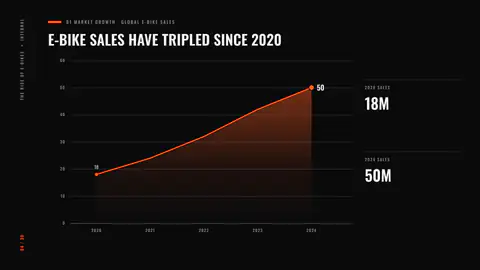
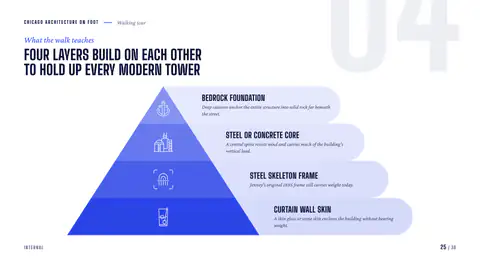
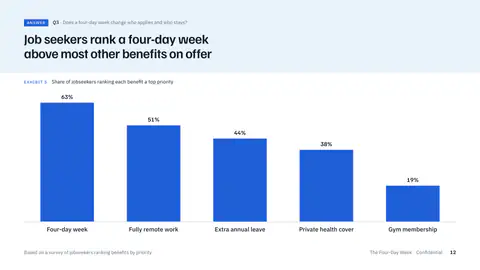
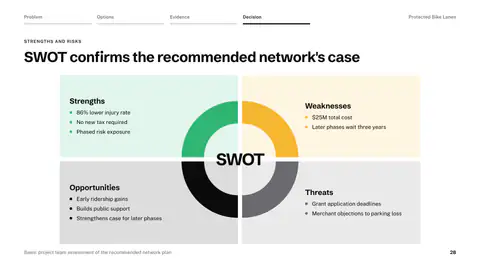
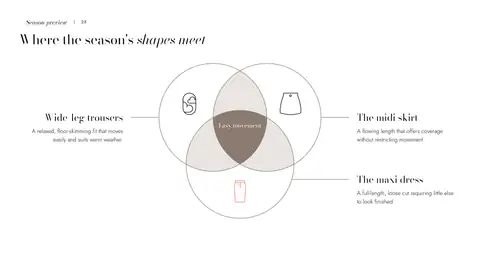
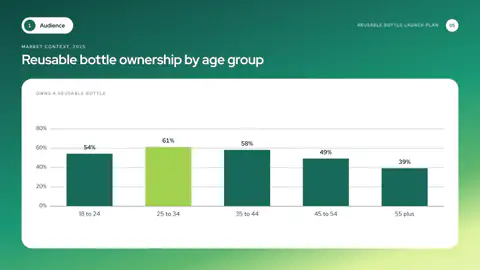
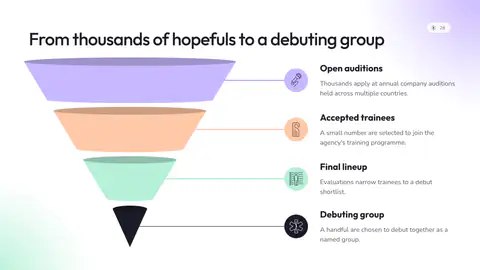
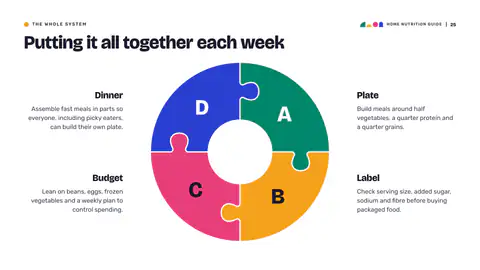
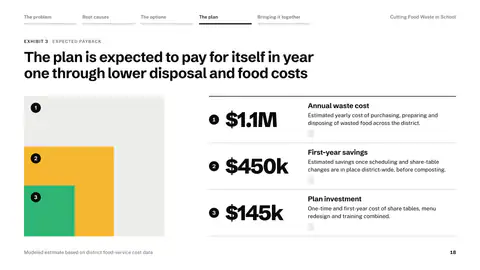
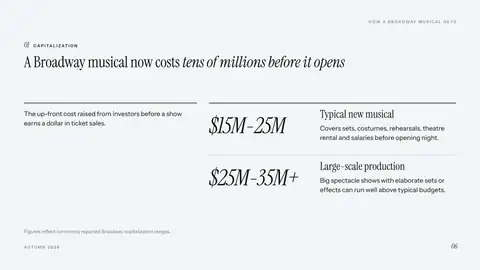
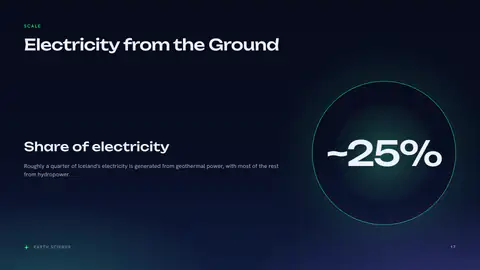
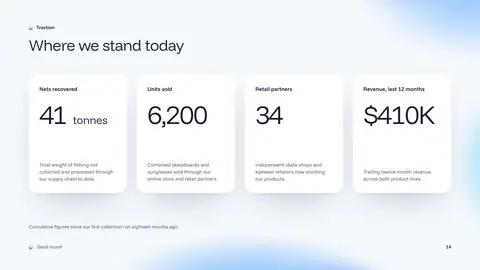
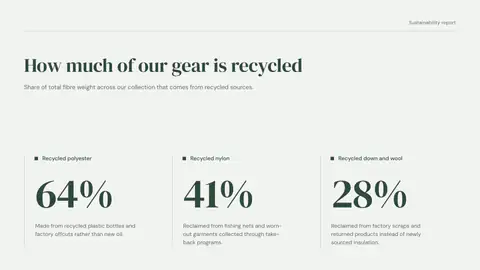
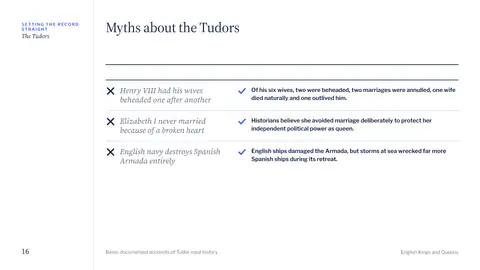
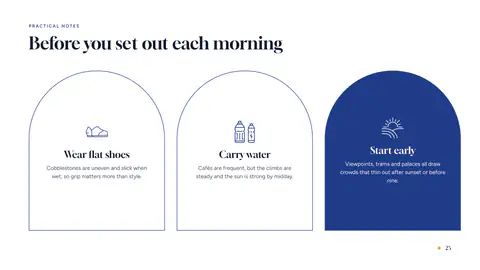
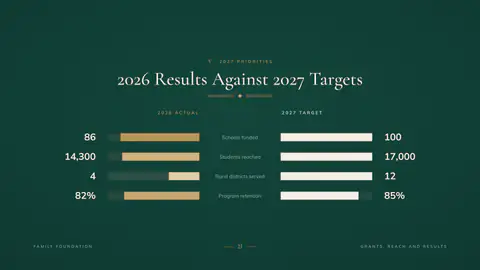
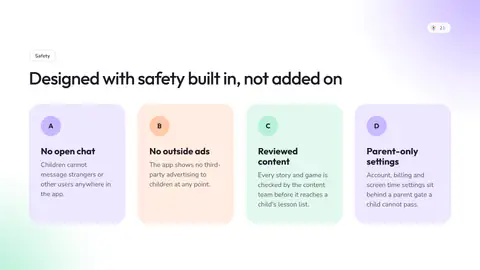
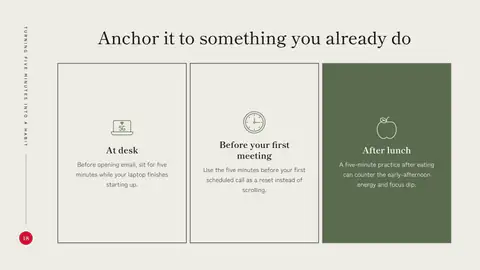
A line chart in the San Francisco lookA layered triangle in the Chicago lookA column chart in the Stockholm lookA SWOT in the Dublin lookA Venn diagram in the Milan lookA column chart in the Sydney lookA funnel in the Seoul lookA puzzle ring in the Mexico City lookNested circles in the Dublin lookFigures in rows in the New York lookOne big number in the Reykjavik lookFigures in rows in the Copenhagen lookBig numbers in the Oslo lookMyth and fact in the London lookCapsules in the Lisbon lookComparison bars in the Vienna look
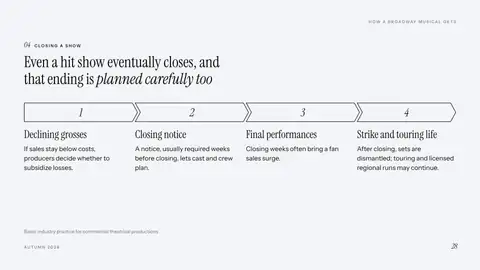
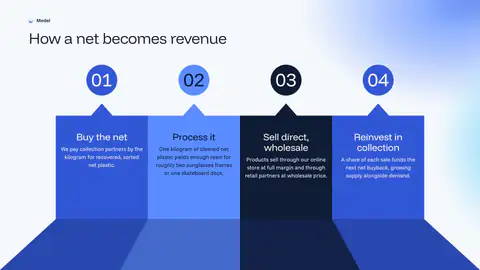
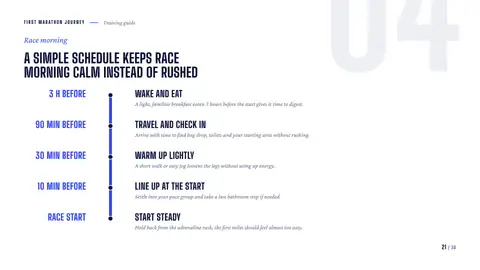
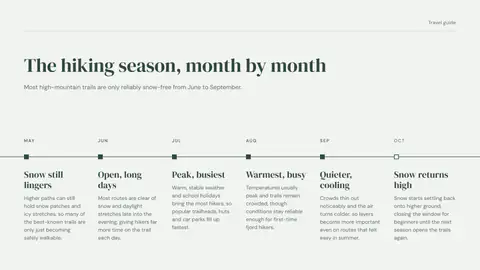
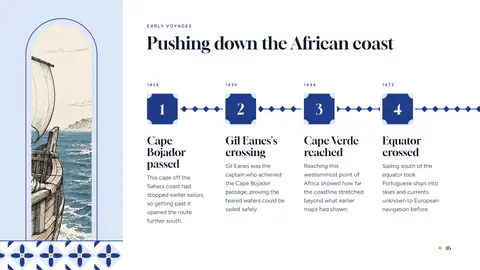
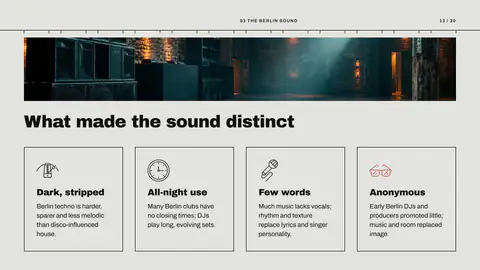
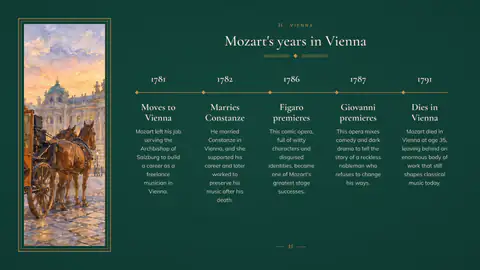
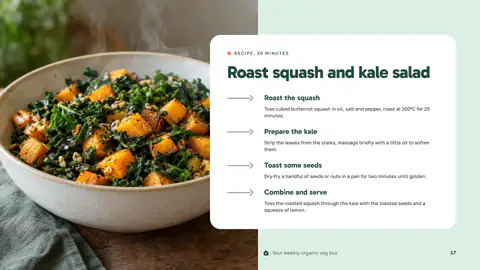
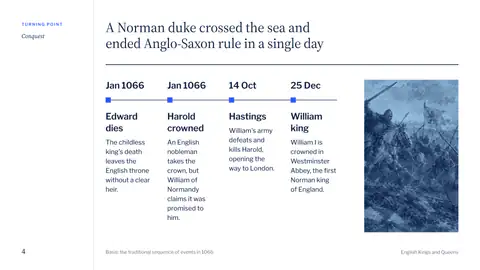
Chevron steps in the New York lookA process in columns in the Copenhagen lookA vertical timeline in the Chicago lookOptions side by side in the Seoul lookA timeline in the Oslo lookCapsules in the Kyoto lookAn arrow list in the Rotterdam lookA timeline with a picture in the Lisbon lookPhoto cards in the Reykjavik lookPhoto cards in the Havana lookA band of pictures in the Berlin lookA timeline with a picture in the Vienna lookAn arrow list in the Amsterdam lookA timeline with a picture in the London lookAn arrow list in the Milan lookA band of pictures in the Sydney look

Used by 175,000+ professionals in 100+ countries, including teams at:

  • Google
  • Amazon
  • Microsoft
  • Adobe
  • Spotify
  • NVIDIA
  • Deloitte
  • HubSpot
  • Harvard

Generate

From one idea to a finished deck

Start with a sentence, your notes or a report. Pick a look and who it is for, and every slide comes back written, laid out and illustrated, ready to edit.

  • No blank page: a full draft in about a minute
  • Your facts and numbers, not filler
  • Pictures made for your slides, not stock photos
See how it works

Add a slide

Need one more slide? Just type a line

Click the plus between any two slides and say what the new one should show. It arrives written for your story and styled like the rest of the deck.

  • Fill a gap without starting over
  • Matches the deck’s fonts and colors
  • Nothing to copy, paste or restyle
See how it works

The assistant

Change it the way you'd ask a colleague

Type or say what you want: slide 4 as a timeline, the whole deck in Spanish, shorter titles. It does the work and shows you every slide before and after.


  • Plain words, no menus to learn
  • Type it or say it, in your own language
  • Before and after on every change, with undo
See how it works
PresentShare
Slide 9 beforeSlide 9 after: Slide 9 in Spanish, same designs and pictures.Slide 9
Assistant

Translate slide 9 to Spanish

Slide 9 in Spanish, same designs and pictures.

Charts

Switch the chart, keep the numbers

Click any chart and pick another kind: column, bar, line, area, pie and more. It redraws in the same style with every number in place.

  • Compare chart types in seconds
  • Your data carries over, nothing to retype
  • Opens as a native chart in PowerPoint
See how it works

Layouts

Turn any bullet list into a visual

Pick a winding road, a cycle or a puzzle ring. The slide is redrawn in your deck’s style, and the words are rewritten to fit it.

  • Timelines, cycles, roadmaps and more
  • Text rewritten to fit, not cut off
  • Nothing to redesign by hand
See how it works

Looks

Change the whole look in one click

A look is a complete theme: type, colors and layouts that belong together. Pick another and every slide, chart and picture follows.

  • Restyle the whole deck, not slide by slide
  • Charts and pictures follow, nothing breaks
  • Your logo and colors on every slide
See how it works

Download and share

A real PowerPoint, or a link to share

Download it as PowerPoint, PDF, PNG, JPG or SVG. The PowerPoint opens exactly as you saw it: real text boxes, real shapes and native charts you can keep editing. Or send a link anyone can open.

  • Nothing to fix after it opens
  • Your fonts travel inside the file
  • One link to share, no attachments
See how it works

Reviews

No more late nights building slides

“I’ve tried other AI presentation tools before, but this one feels much simpler. The designs are modern and easy to customize. I can see myself using it regularly.”
Daniel K.
  • “I typed in my topic and had a full presentation ready in minutes. The slides looked clean and professional. It saved me a lot of time.”
    Timo R.
  • “I was surprised by how easy it was to use. The AI understood my prompt and created a solid presentation structure. I only had to make a few small edits.”
    Doreen M.
  • “This is really useful when I need a presentation quickly. I can start with just a short prompt and get a complete presentation. The whole process feels fast and straightforward.”
    Marc T.
  • “The quality of the slides was better than I expected. The layouts looked professional and the content was organized well. It gave me a strong starting point right away.”
    Kevin L.
  • “The new Infograpia AI builder is a big improvement. It’s fast, simple, and gives you plenty of good layouts to work with. Creating presentations takes much less time now.”
    Amanda C.

Pricing

AI plans to make presentations every month. The template library for one payment.

Template library

Ready-made infographics

$69once

One payment

Get the library
  • 6,500+ infographics
  • PowerPoint, Keynote and Google Slides
  • For 1 person
  • Pay once, yours to keep
  • New templates included
  • Commercial use

Starter

AI decks without the watermark

$15a month

Billed yearly

Save $36 a year

1,000 credits a month

Refilled every month

Everything in Free, and:

  • Decks up to 25 slides from one prompt
  • Unlimited projects
  • No watermark
  • PowerPoint, PDF, PNG, JPG, SVG
  • Version history
  • AI web research
  • Unlimited voice assistant (beta)
  • 1 GB of storage
Most popular

Plus

AI decks and the template library

$20a month

Billed yearly

Save $48 a year

2,000 credits a month

Refilled every month

Everything in Starter, and:

  • Decks up to 40 slides from one prompt
  • 6,500+ infographics
  • 300 AI messages an hour
  • 3 GB of storage

Ultra

The most credits and longest decks, with the library

$40a month

Billed yearly

Save $96 a year

4,000 credits a month

Refilled every month

Everything in Plus, and:

  • Decks up to 50 slides from one prompt
  • 6,500+ infographics
  • 600 AI messages an hour
  • 10 GB of storage
  • Views on your share links

Free

To try the AI

One free presentation

Written by the AI, up to 20 slides

  • View and present
  • Decks up to 20 slides from one prompt
  • 5 projects
  • Voice, 10 minutes an hour
  • Brand kit and every font
  • With the Infograpia watermark

Need seats for a team?

  • Private by defaultYour presentations stay in your account until you share a link.
  • Secure checkoutCard details are handled by Stripe and never touch our servers.
  • Cancel anytimeFrom Settings. You keep your plan until the period you paid for ends.

Questions

Questions, answered

  • Is it really a PowerPoint file?

    Yes. You download a .pptx with real text boxes, PowerPoint shapes and native charts. Click a chart's Edit Data and the numbers are there.

  • Can I change everything?

    Yes. Edit any word on the slide, ask the assistant for bigger changes, switch a slide's layout or the whole look. In PowerPoint, everything stays editable.

  • Can I use it on my phone?

    Yes. Write and present on your phone, and send yourself the link to keep editing on your computer.

  • What can I upload?

    PDF, Word, PowerPoint, CSV and other spreadsheets saved as text, Markdown, and PNG, JPG or WebP pictures.

  • Can I cancel anytime?

    Yes, from Settings. Your plan stays active until the end of the period you paid for, and you won't be charged again.

  • What are credits?

    Credits pay for the AI work: writing slides, making pictures and the changes you ask the assistant for. Your plan refills them every month.

  • Is my content private?

    Yes. Your presentations stay in your account until you share a link.

  • Can I use my brand?

    Yes, on every plan. The brand kit puts your logo, your colors and your fonts on every presentation.