
Create from files
Turn the report you have into slides
Make a presentation from a PDF, Word file, old PowerPoint or CSV, written from what it says.


Your files
The files you already have
PNG, JPG, WebP, PDF, Word, PowerPoint, TXT, MD, CSV, TSV and JSON.
- Up to 3 files at once on a paid plan
- Documents up to 10 MB, pictures up to 6 MB
- Anything cut is said in the chat



Drag and drop
Drop your files on the box
Drag files from your computer onto the prompt box, the assistant or the plus between two slides. They attach as the button attaches them.
- Several at once
- The same formats and limits
- A file that cannot attach is named
Your figures
Your numbers, not filler
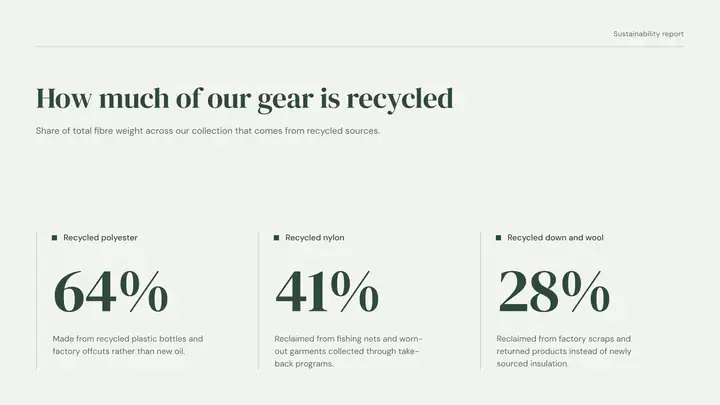
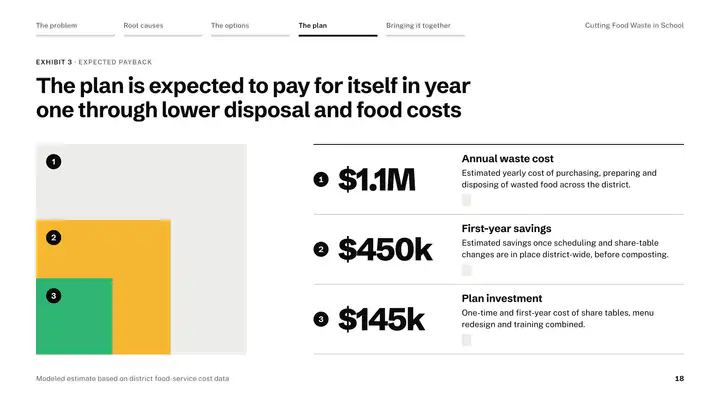
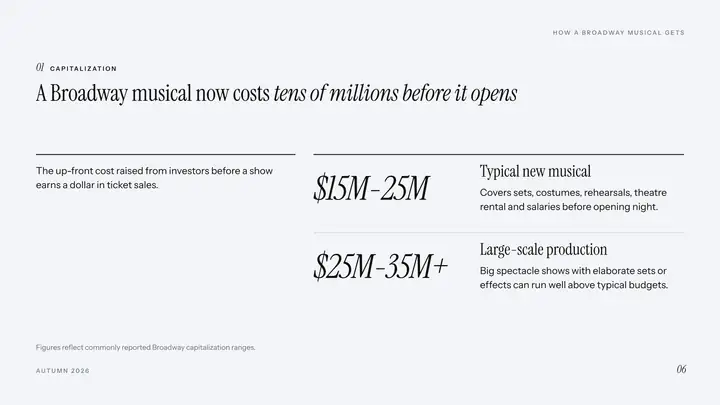
The slides are written from your document: its figures, names and dates. A table in the file can become a chart drawn from your own data.
- Facts kept as written
- Charts from your data
- A picture sent in the chat goes on the slide

Later too
Add slides from a file at any time
Attach a file in the assistant or in the plus between two slides, and the new slides come from it.
- In the chat or between slides
- Matches the presentation’s look
- A CSV goes onto a table as it is
How it works
Three steps
- Step 1
Attach your file
Press the plus in the prompt box and pick your files.
- Step 2
Say what it is for
One line: who it is for and what it should do.
- Step 3
Pick a look
The presentation is written from your file, slide by slide.
Questions
Questions, answered
Which files can I use?
PNG, JPG, WebP, PDF, Word, PowerPoint, TXT, MD, CSV, TSV and JSON.
Can I use an Excel file?
Save the sheet as CSV and attach that. A CSV in the chat goes onto table slides exactly as it is.
How much of a long document is read?
Up to 15,000 characters on the free plan and 25,000 on the paid plans, in each message. Anything cut is said in the chat.
How many files can I attach?
1 on the free plan and up to 3 at once on the paid plans.
Keep every figure exactly as written
Attach the file and say who it is for. Its tables can become charts drawn from your data.