
Brand kit
Make every slide look like your company
Free on every plan, the brand kit puts your logo, colors and fonts on every slide and chart.
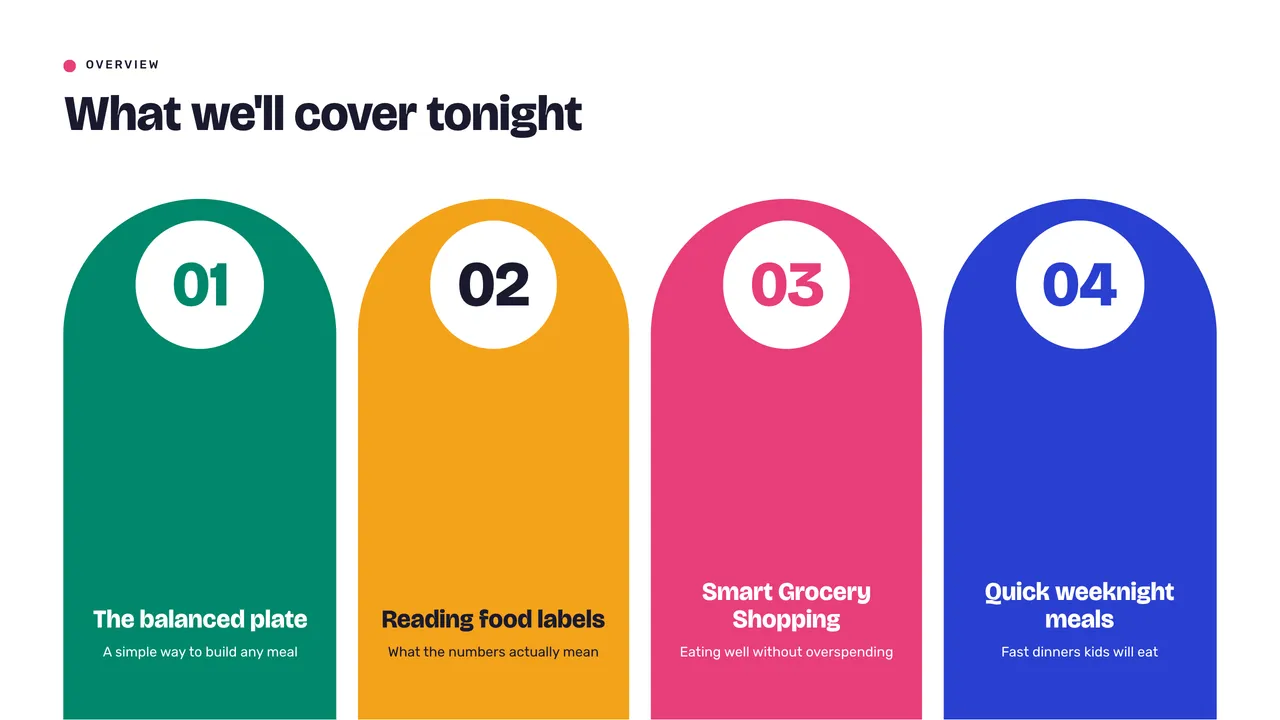
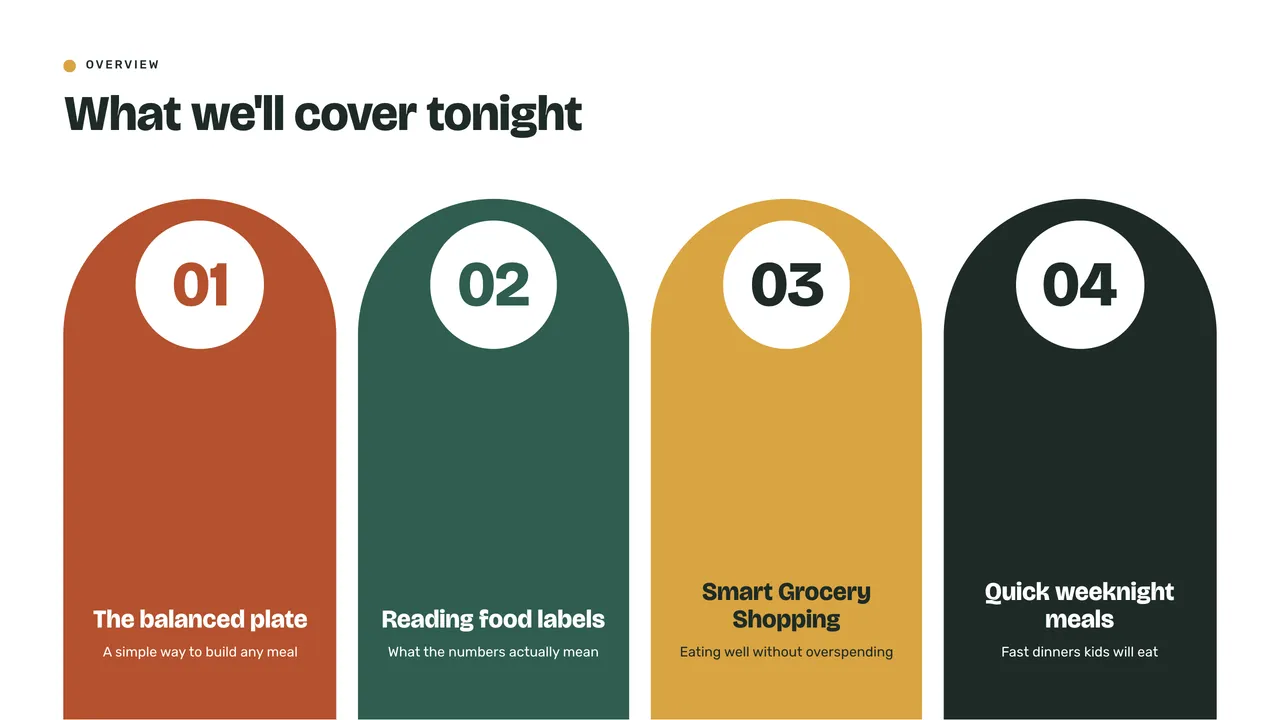
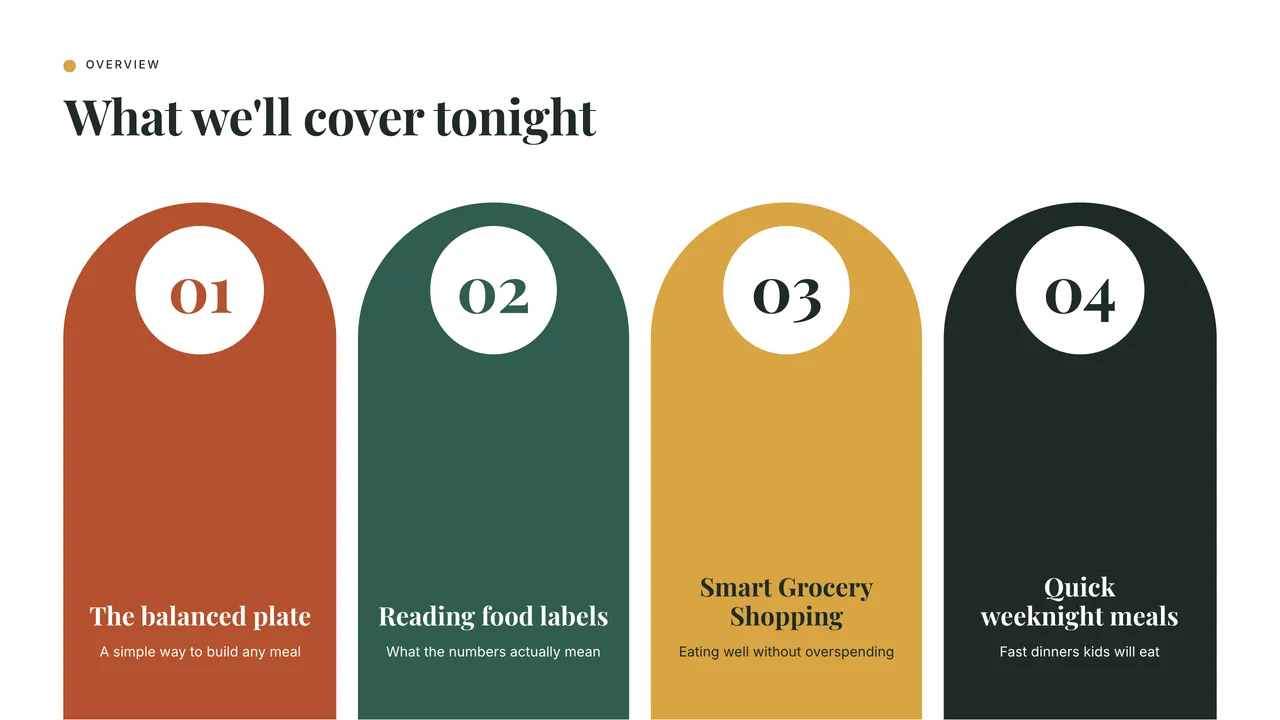
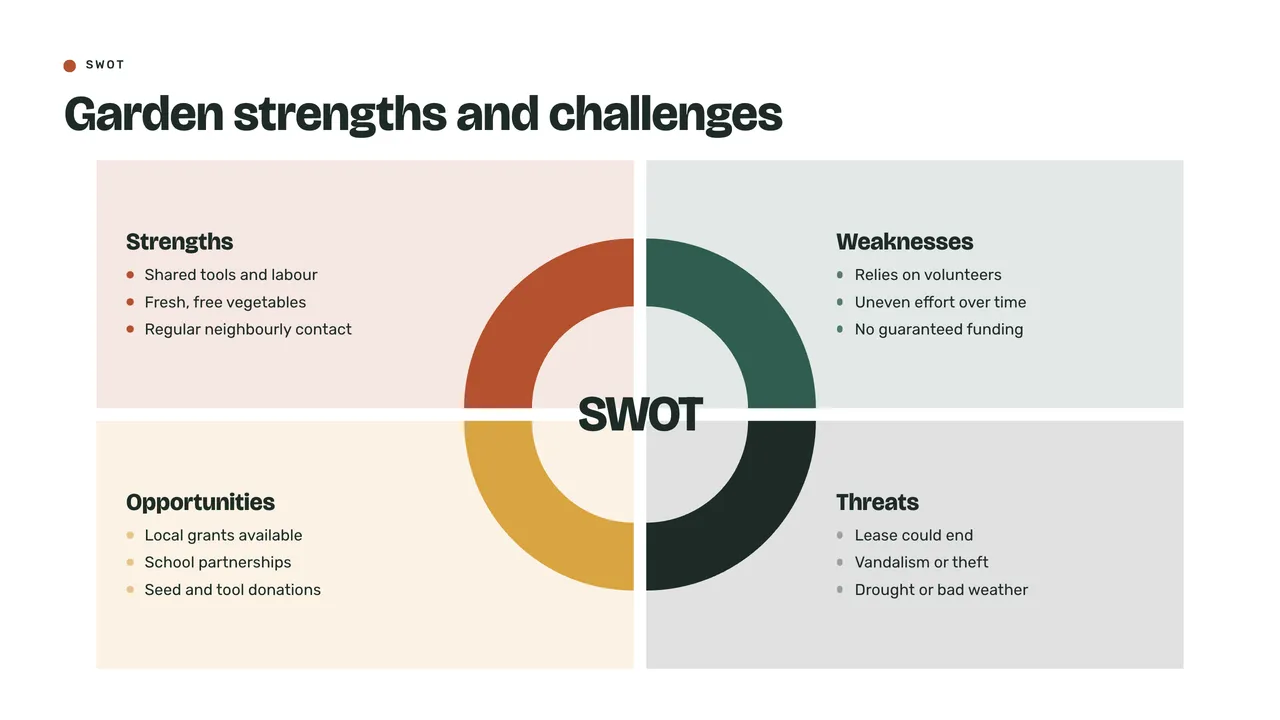
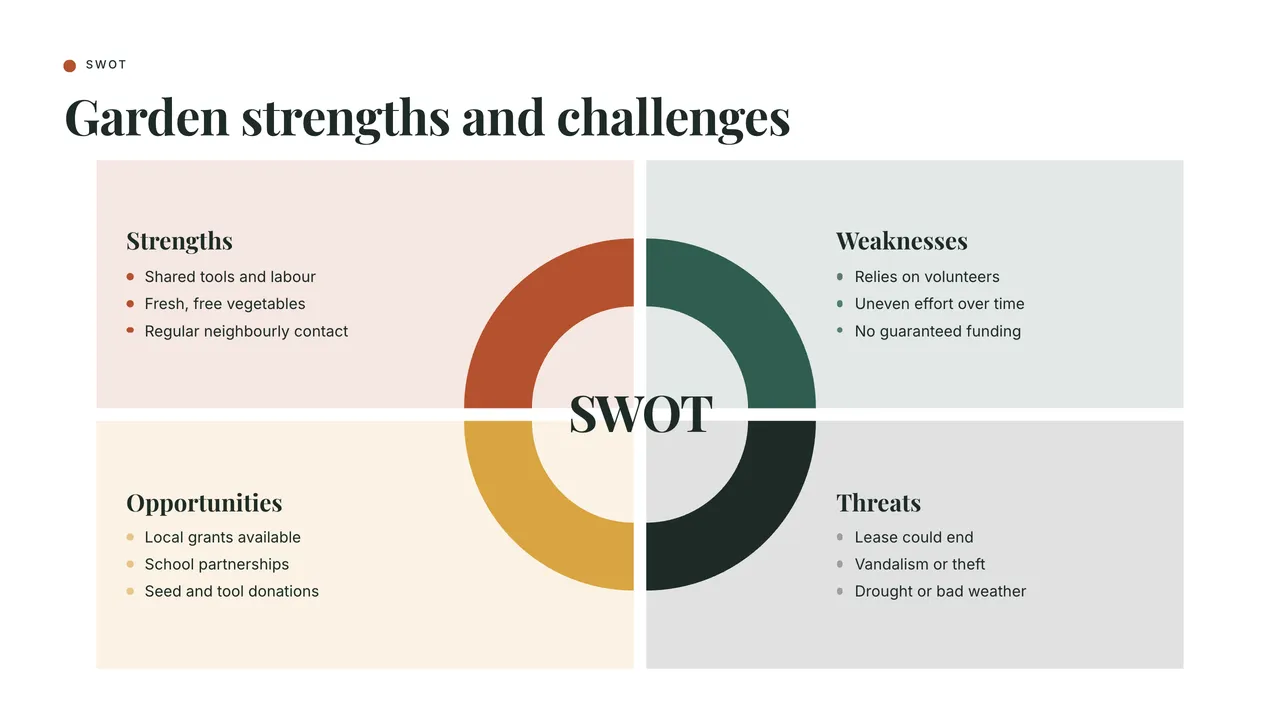

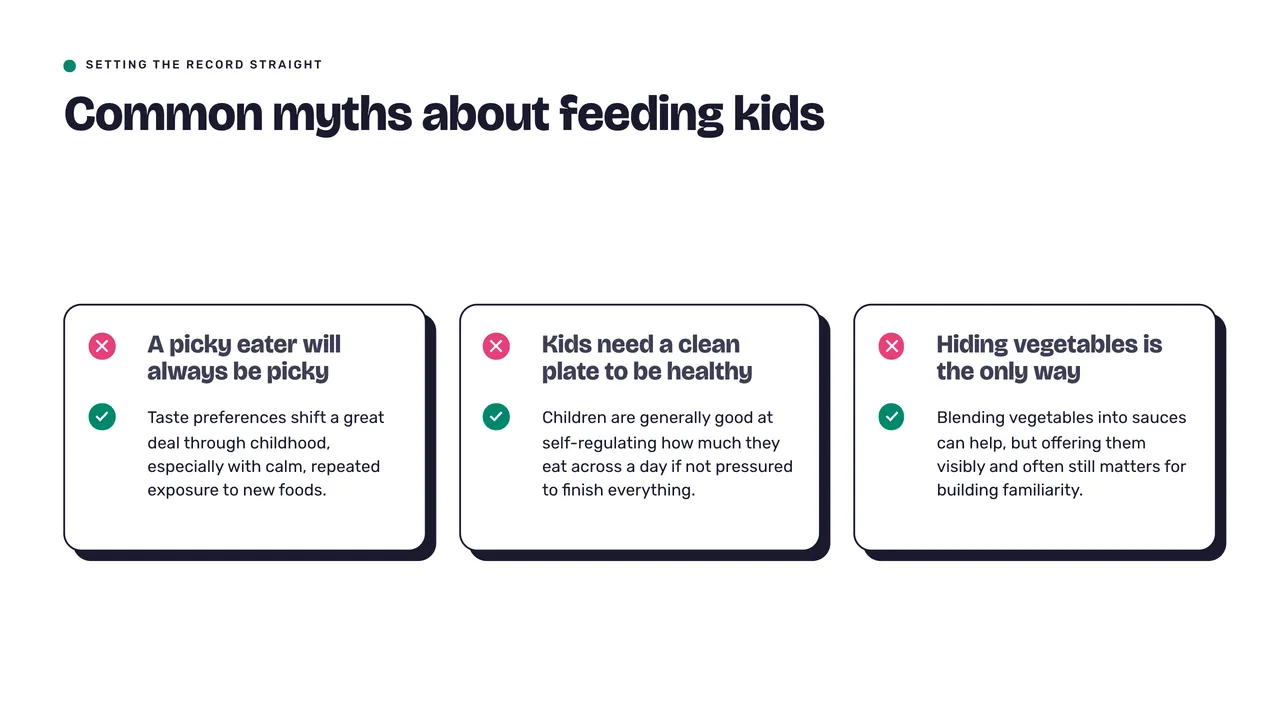
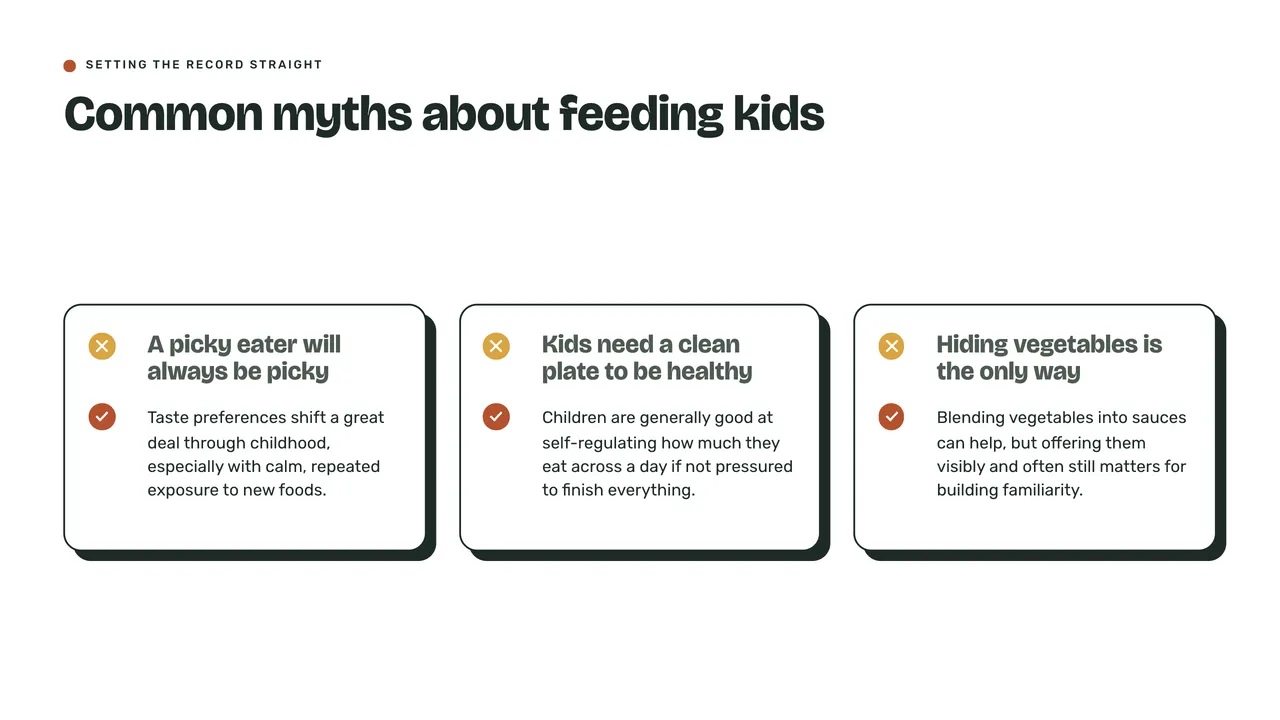
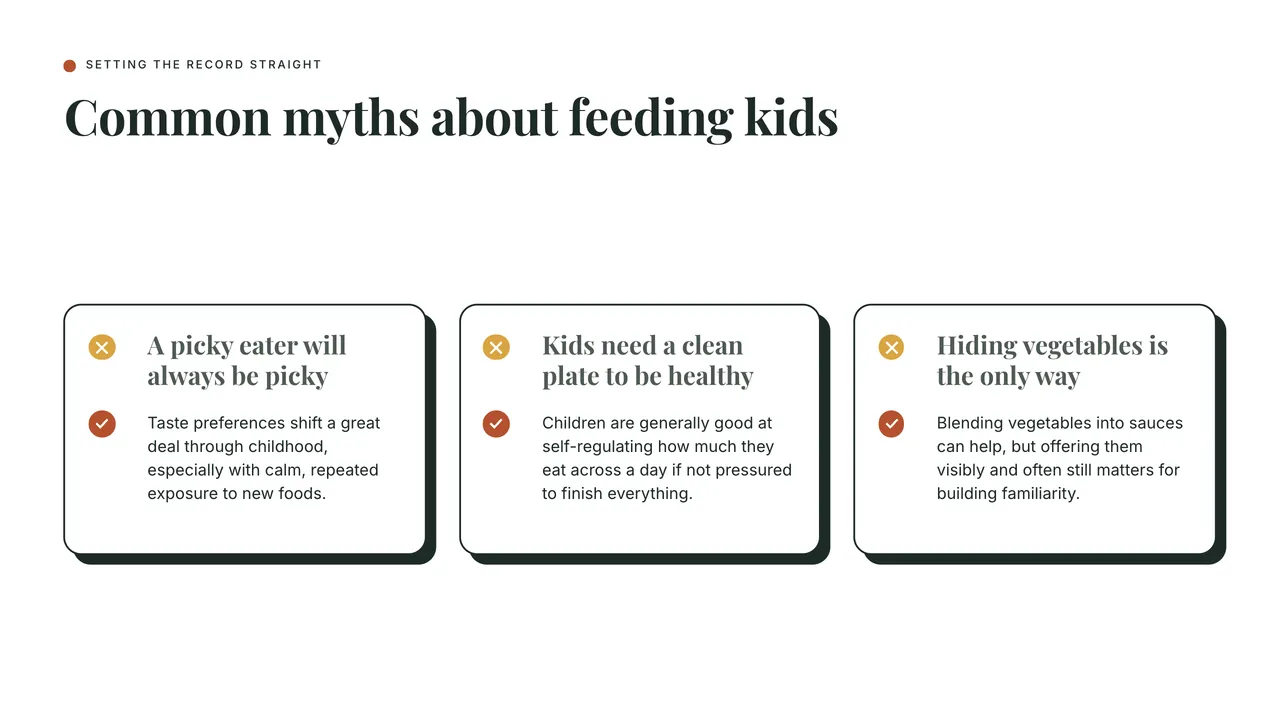
Colors
Your colors in every role
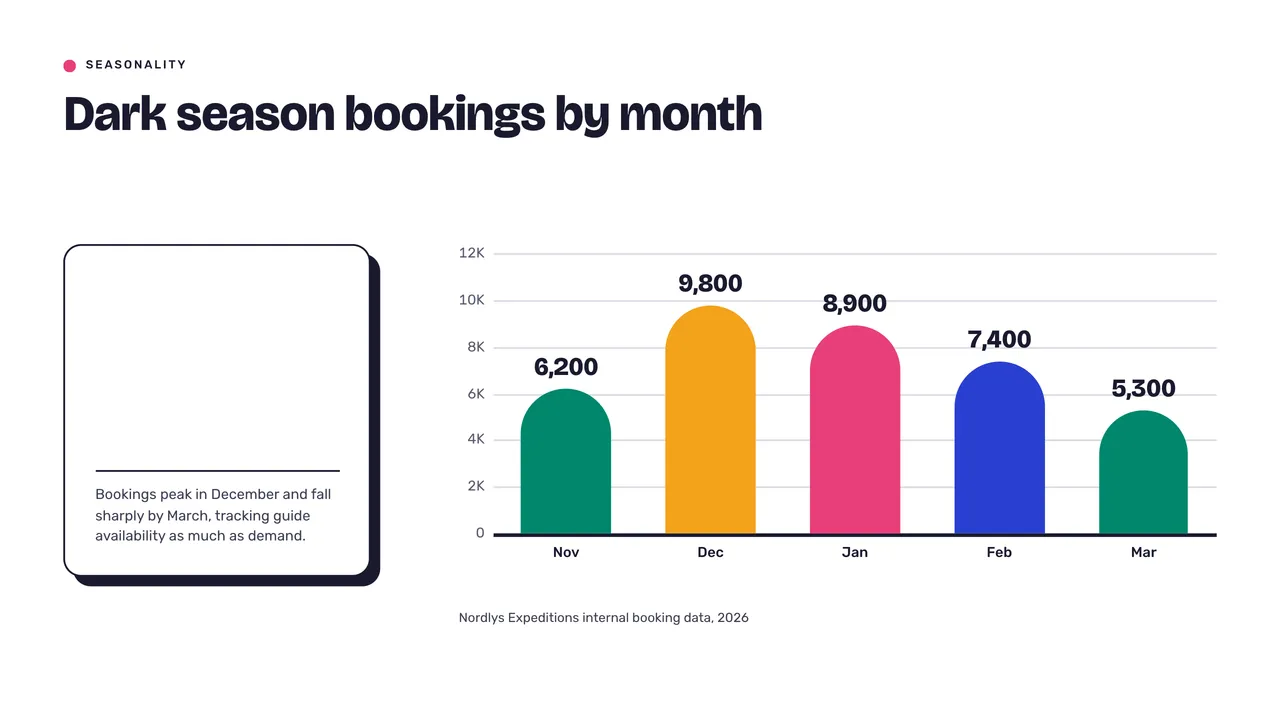
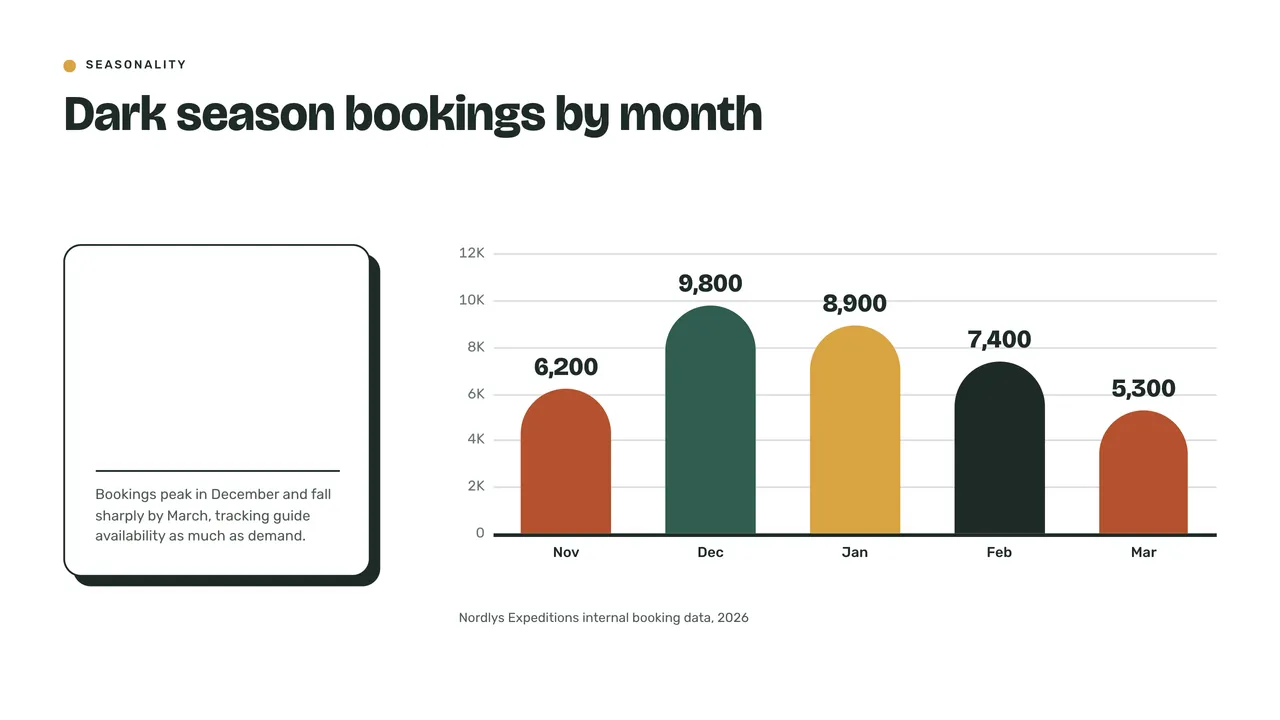
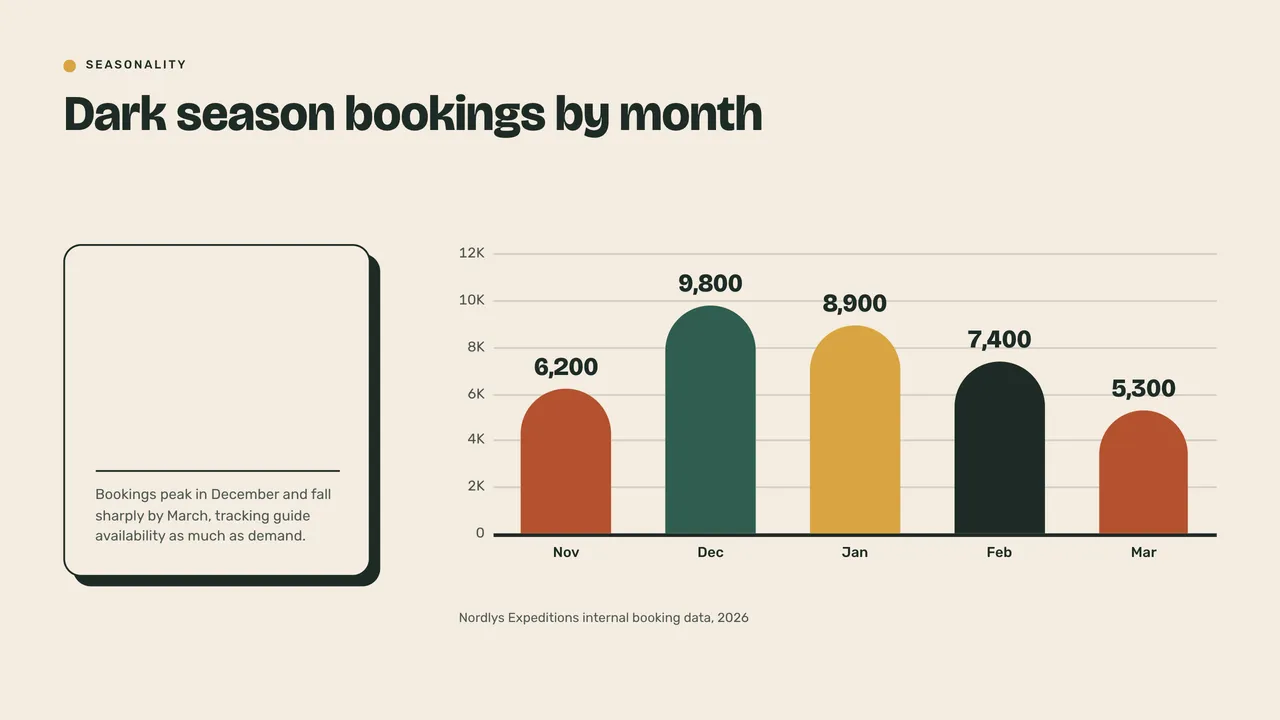
Background, headline, paragraph and accents, each your own. Charts, cards and marks follow, and a color that is hard to read is flagged.
- Up to four accents
- Charts follow your colors
- On every plan, Free included
Fonts
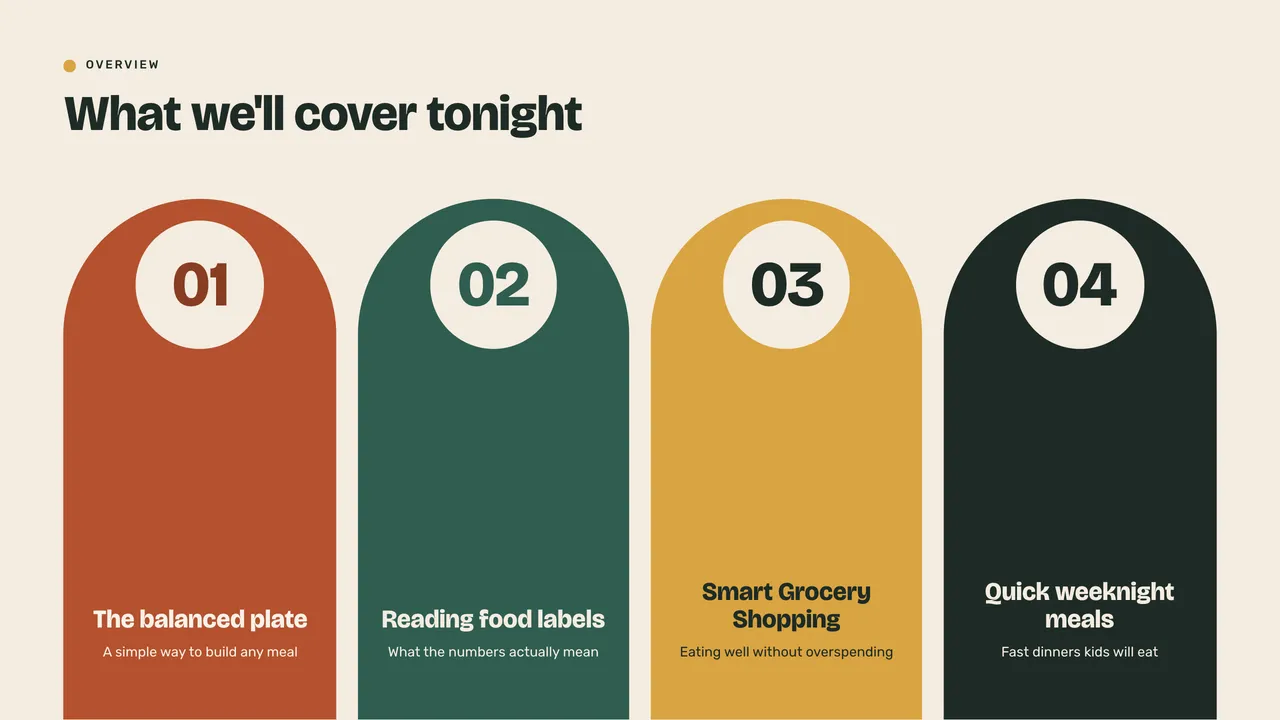
Any font, even your own
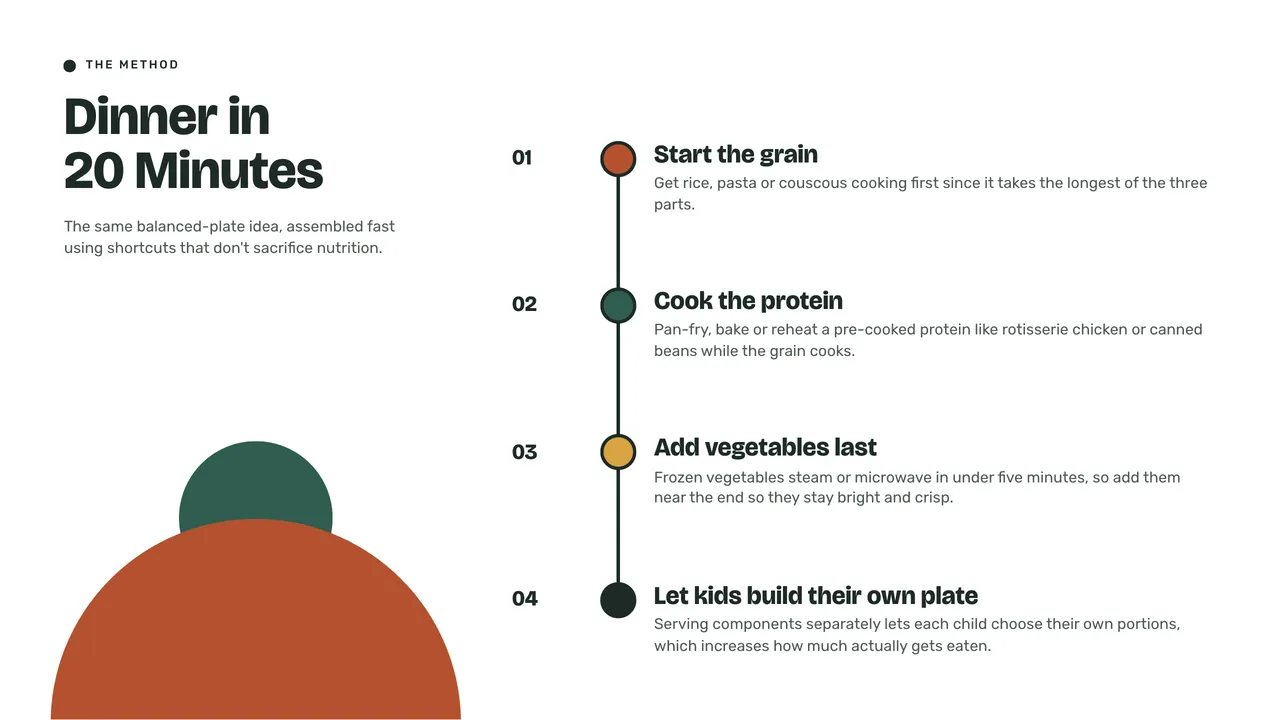
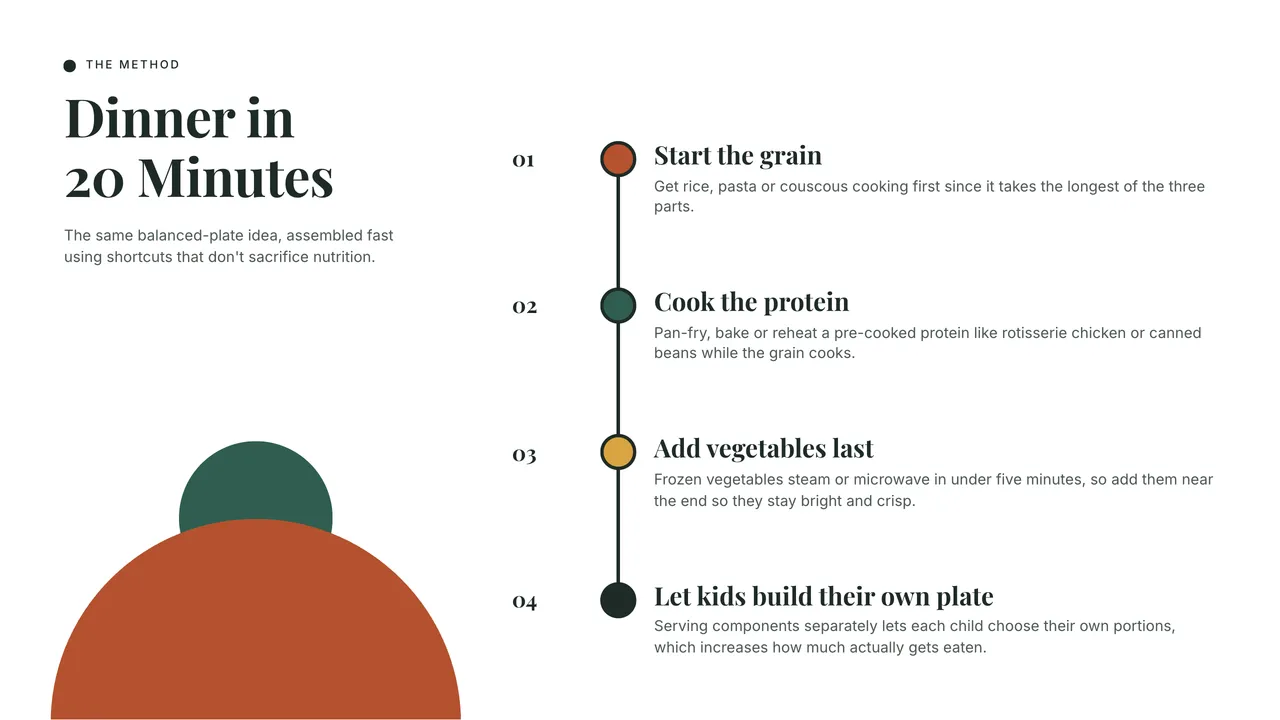
Pick a font from the list, type the name of any web font, or upload your own family, on every plan. On a paid plan, it is embedded in the PowerPoint you download.
- TTF, OTF, WOFF or a zip of a family
- Measured so the words still fit
- Embedded in every paid download



Looks
Build it on the look you like
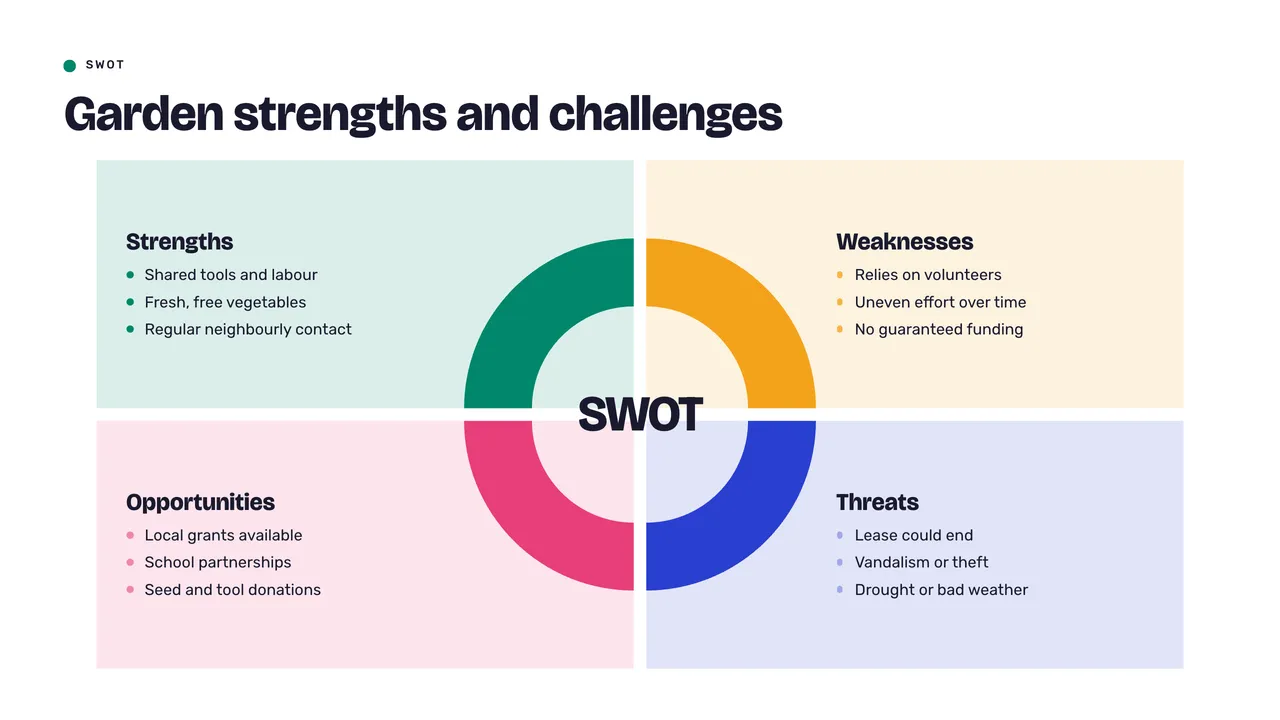
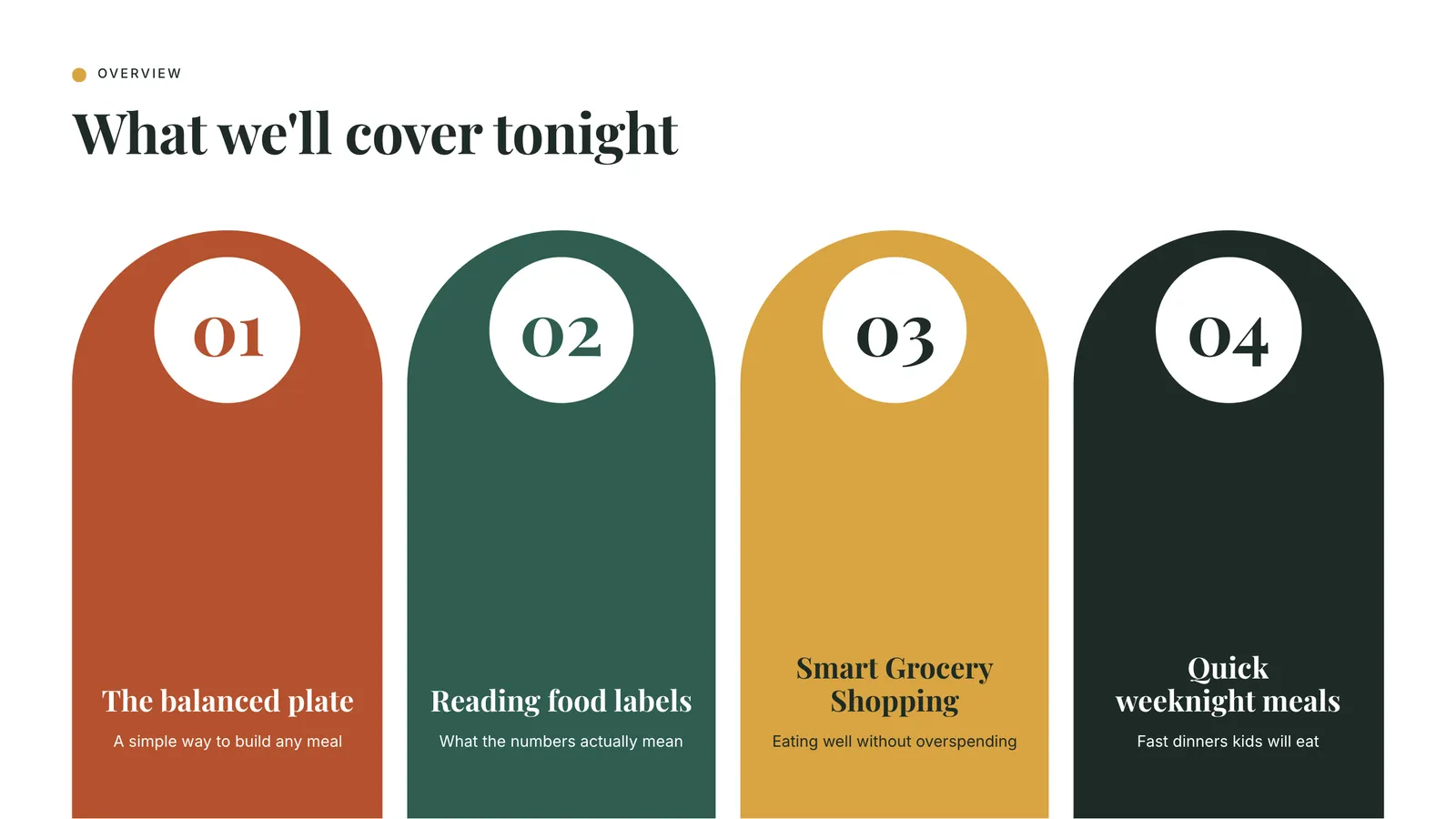
Start from any look: its layouts and style, in your colors, fonts and logo.
- Every slide follows
- Charts and pictures too
- Change it any time


How it works
Three steps
- Step 1
Open the brand kit
From the editor, beside your slides.
- Step 2
Add your logo, colors and fonts
Pick them, type them, or upload your own.
- Step 3
Everything wears it
Slides, charts, pictures, and the PowerPoint file on paid plans.
Questions
Questions, answered
Which plans include the brand kit?
Every plan, the free plan included: your logo, your colors and your fonts on every presentation.
Can I use my own font?
Yes. Upload a TTF, OTF, WOFF or WOFF2 file, or a zip of the family, after confirming you have the right to use and embed it.
Does my brand show in PowerPoint?
Yes. Your colors land in PowerPoint’s own color picker and your fonts are embedded in the file. Downloads are on the paid plans.
Can I start from a look I like?
Yes. Pick any look and keep its layouts and style, in your colors, fonts and logo.
Can I keep a brand for each client?
Yes. Save as many brands as you need and put any of them on a presentation.
Stay on brand without checking every slide
Pick any look, and your colors, fonts and logo go on top, on any plan, Free included.