
AI images
Get the right picture for every slide
Describe what a slide should show. This AI image generator for slides makes it in your presentation’s style.
Styles
A picture style for every presentation
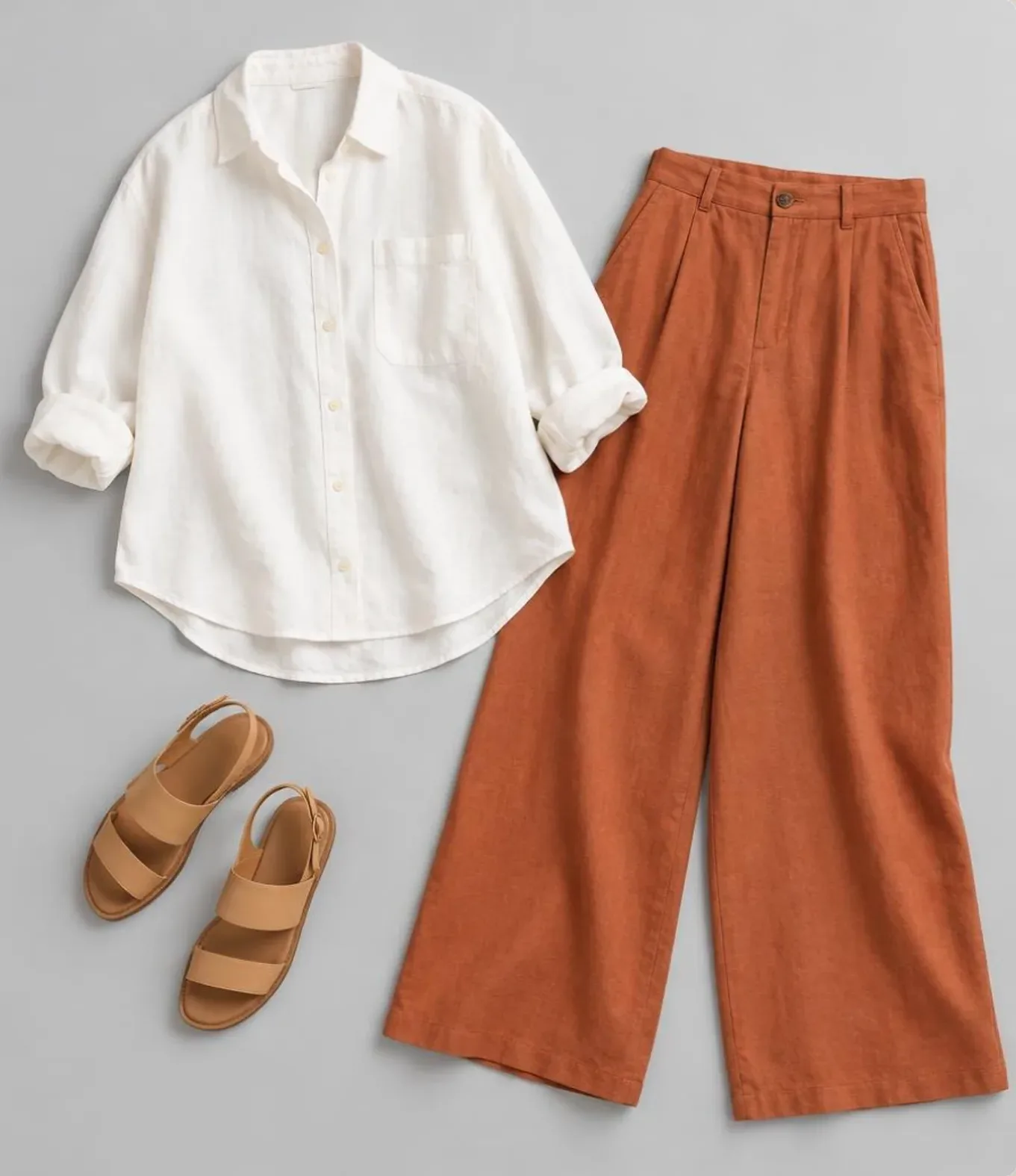
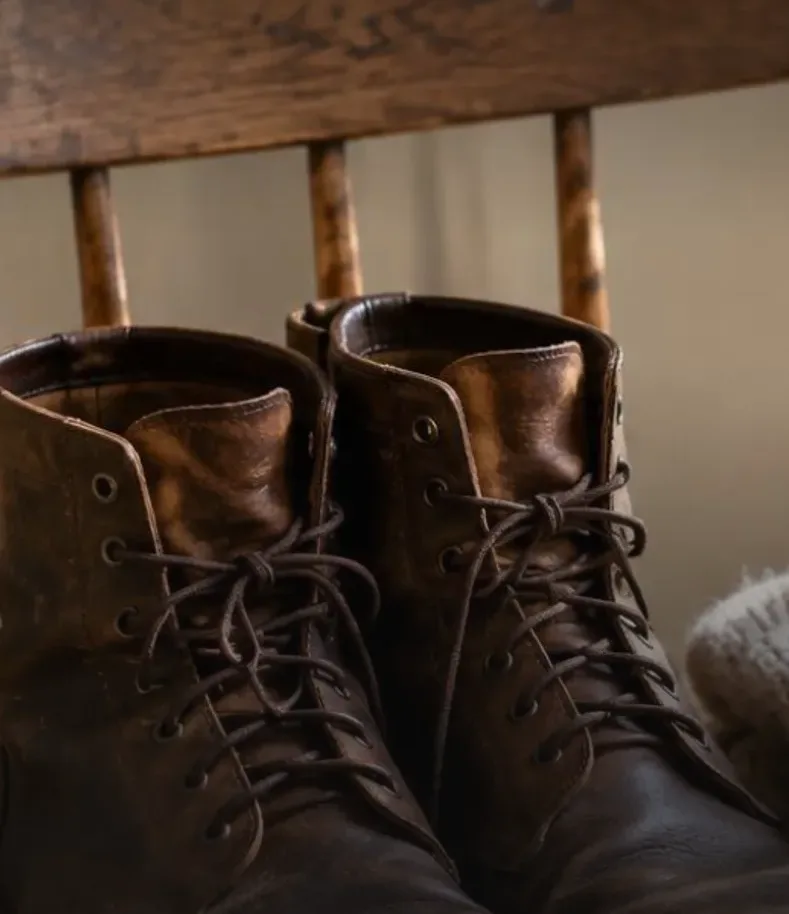
Photograph, cinematic, studio, cartoon, flat illustration, isometric and more. Pick one when you start and every picture in the presentation follows it.
- Pick the style once
- Pictures fit each slide’s frame
- Or no pictures at all
 Photograph
 Cinematic
 Studio
 Cartoon
 Flat illustration
 Isometric
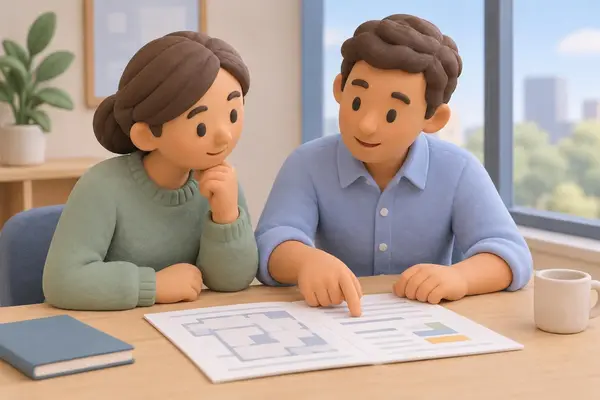 3D clay
 Watercolor
 Line sketch
Edit in words
Ask for brighter, or a different scene
“Brighter”, “add a market stall”, “as a flat illustration”: an edit keeps the picture and changes what you asked. A different scene starts fresh from your words.
- An edit keeps the picture
- By chat or by voice
- Every picture kept in your library



Your own
Use your own photos too
Upload a photo into any frame, frame it by hand, and find every upload and every picture you made in your library.
- Upload into any frame
- Crop by hand: double click
- The same framing in every download
How it works
Three steps
- Step 1
Pick a style
From photograph to watercolor, or no pictures at all.
- Step 2
Make the slides
Every picture is made for its slide, in that style.
- Step 3
Change any picture
Click it and describe the new one, or upload your own.
Questions
Questions, answered
Can I use my own pictures?
Yes. Upload a photo into any frame and frame it by hand. Your uploads stay in your library.
Are they stock photos?
No. Each picture is made for its slide, in the style you chose.
Can I turn pictures off?
Yes. Choose No pictures when you start and the presentation is words and shapes only.
Can I crop a picture?
Yes, by hand: double click the picture, or click it and choose Crop. The same framing shows in every download.
Keep your audience looking at the screen
Every picture is made for its slide, in one style, so the whole presentation looks planned.