
For agencies
Pitch new clients in their own brand
Infograpia makes AI presentations for agencies. Write the brief to get pitches in each client’s colors and logo.

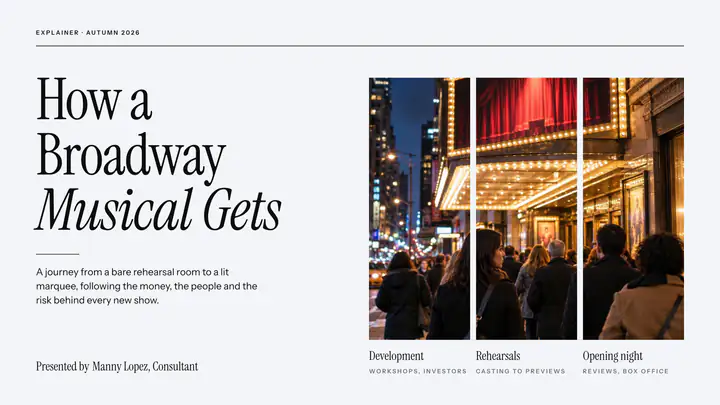

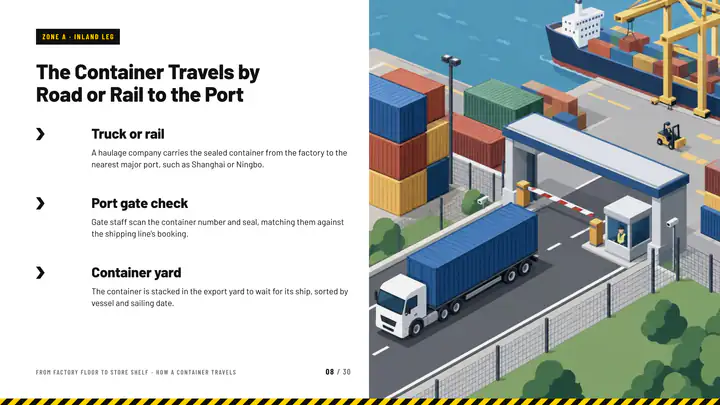
Their brand
In the client’s brand
Set the client’s logo, colors and fonts in the brand kit and every slide wears them. On a paid plan, the PowerPoint download wears them too.
- On every plan
- Their fonts in paid downloads
- Charts in their colors




 harbor-pine.svg
A brand per client
A brand for every client
Keep a brand for each client and put any of them on a presentation. A presentation keeps the brand it was made in.
- As many brands as you need
- Switch in one click
- Or ask the assistant
Looks
A look for every client
Each look has its own type, colors and layouts. Pick the one that suits the client and change it in one click.
- Restyle the whole presentation
- Charts and pictures follow
- Your brand on top
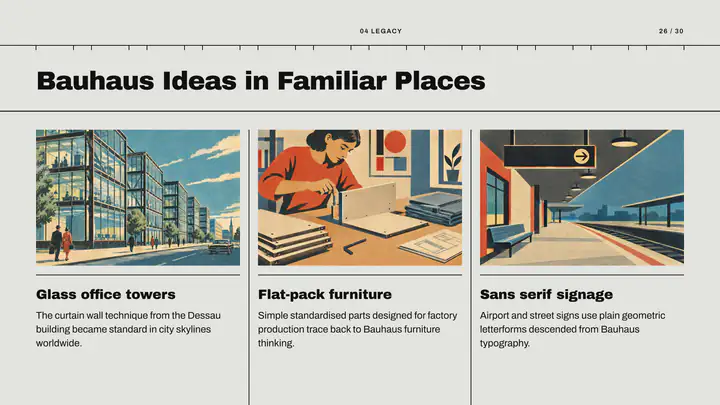
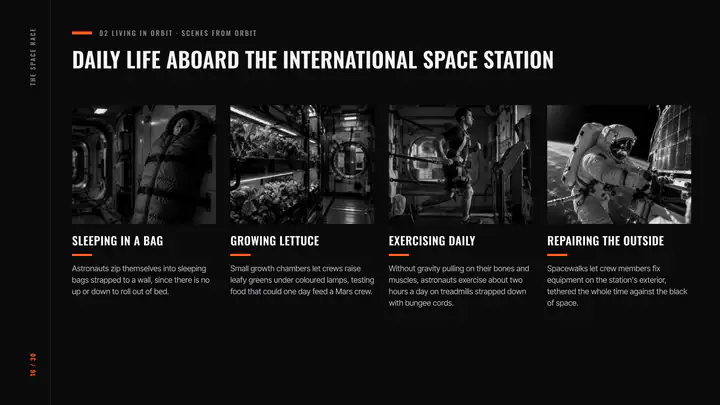
Pictures
Pictures in the campaign’s style
Photograph, cinematic, flat illustration, 3D clay and more, each picture made for its slide.
- Not stock photos
- Change one in words
- Or upload the client’s own
 Photograph
 Cinematic
 Studio
 Cartoon
 Flat illustration
 Isometric
 3D clay
 Watercolor
 Line sketch
How it works
Three steps
- Step 1
Set the client’s brand
Logo, colors and fonts, once.
- Step 2
Write the brief
Or attach the results and the plan.
- Step 3
Send it
A link, or a PowerPoint or PDF on a paid plan.
Questions
Questions, answered
Can the client edit the presentation?
Yes, on a paid plan: download a PowerPoint with real text, shapes and native charts. On any plan, share a view-only link.
Do the slides carry your mark?
Slides on the free plan carry a small Made with Infograpia mark; the paid plans have none.
Can I keep a brand for each client?
Yes. Save a brand for each client and put any of them on a presentation.
Can I make a pitch from the client’s brief?
Yes. Paste the brief or attach it with the results, and the presentation is written from them, every figure kept.
Can I present it from the browser?
Yes. Press Present for full screen, with your notes in the presenter view.
Switch clients without rebuilding a single slide
Save a brand for each client and switch a presentation to it in one click.