
AI presentation maker
Make professional slides in minutes, not hours
Type your topic or add a file. This AI presentation maker writes, designs and illustrates every slide.



Layouts
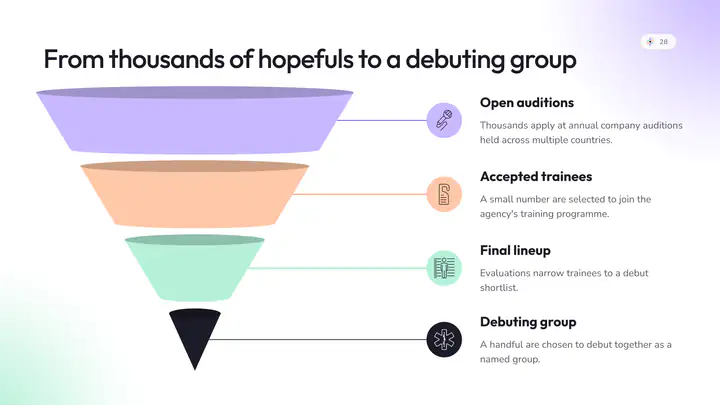
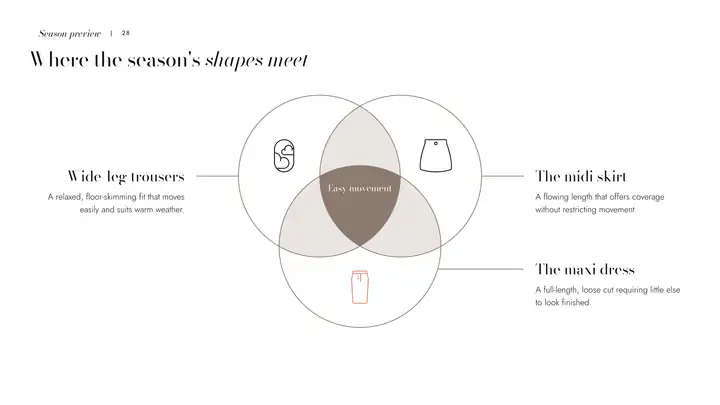
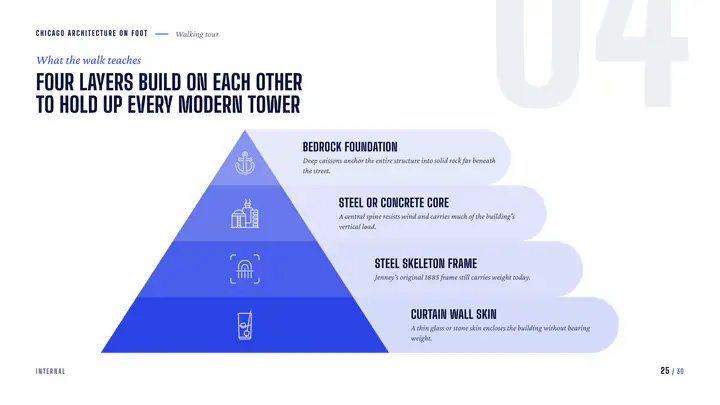
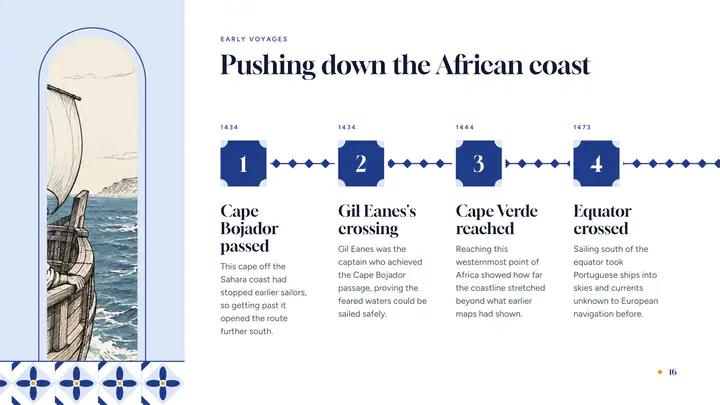
Every slide gets a design that fits it
Timelines, charts, comparisons, maps and more. Change a slide’s layout and its words are rewritten for the new one.
- Words rewritten to fit, not cut off
- Every box written, no placeholder text
- Native PowerPoint charts on paid plans
The assistant
Change it the way you’d ask a colleague
Type or say what you want: slide 4 as a timeline, the whole presentation in Spanish, shorter titles. You see every slide before and after.
- Plain words, no menus to learn
- Type it or say it
- Undo any change
Looks
Change the whole look in one click
Each look has its own type, colors and layouts. Pick another and every slide, chart and picture follows.
- Restyle the presentation, not slide by slide
- Charts and pictures follow
- Your logo, colors and fonts on any plan









Present and download
Present it here, or take a real PowerPoint
Present from the browser or share a link. On a paid plan, download PowerPoint, PDF, PNG, JPG or SVG; the PowerPoint opens with real text, shapes and native charts.
- Nothing to install
- Your fonts travel inside the file
- One link to share, no attachments


How it works
Three steps
- Step 1
Describe it
A sentence, your notes, or a file: a PDF, a Word document, an old PowerPoint or a CSV.
- Step 2
Pick a look and who it is for
Choose the look, the audience and a picture style. The slides are written for that audience.
- Step 3
Edit, present, download
Change anything by typing, by voice or by hand. Present from the browser, or download the file on a paid plan.
Questions
Questions, answered
Is there a free plan?
Yes. Your first presentation is free, up to 20 slides with pictures, to edit and present. Downloads and monthly credits come with the paid plans.
Can I close the tab while it writes?
Yes. The writing runs on our servers, every slide is saved as it is written, and the finished presentation is waiting when you come back.
Is it a real PowerPoint file?
Yes. A .pptx with real text boxes, PowerPoint shapes and native charts: click a chart’s Edit Data and your numbers are there. Downloads are on the paid plans.
Can I change it after it is written?
Yes. Ask by typing or by voice, or edit any slide by hand. Undo takes back any change.
Can I use my own content?
Yes. Attach a PDF, a Word or PowerPoint file, a CSV or your notes, and the slides keep your facts and figures.
Walk in tomorrow proud of your slides
Say what it is about and who will watch. Every slide arrives finished, with pictures, ready to present.