
For sales teams
Send every buyer a proposal that fits
Infograpia makes AI presentations for sales. Paste your account notes to get comparisons, case studies and the ask.
Why you
Designs made for a buyer’s questions
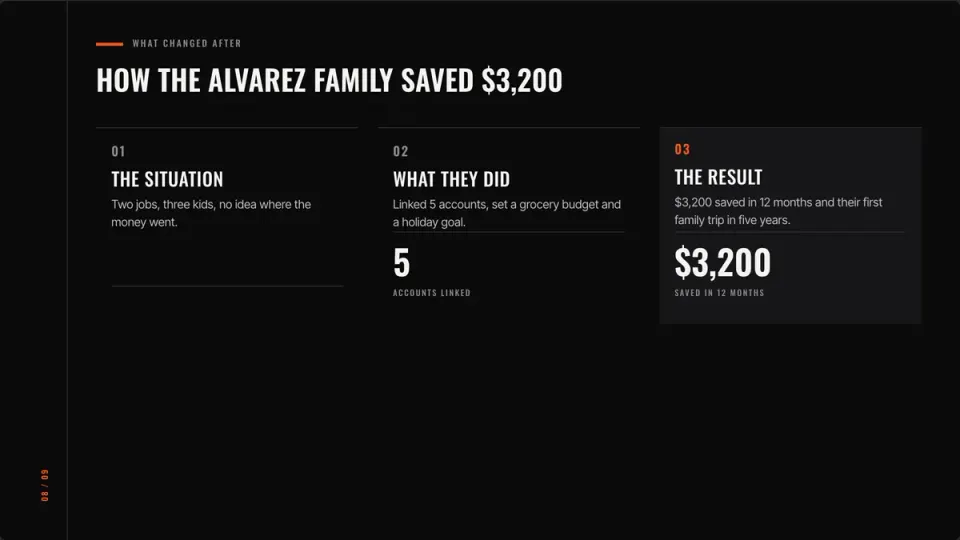
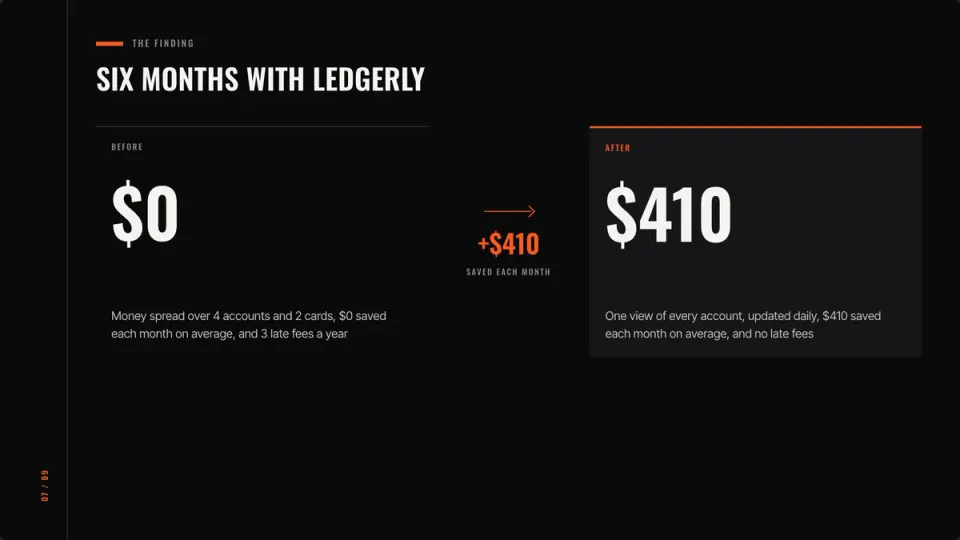
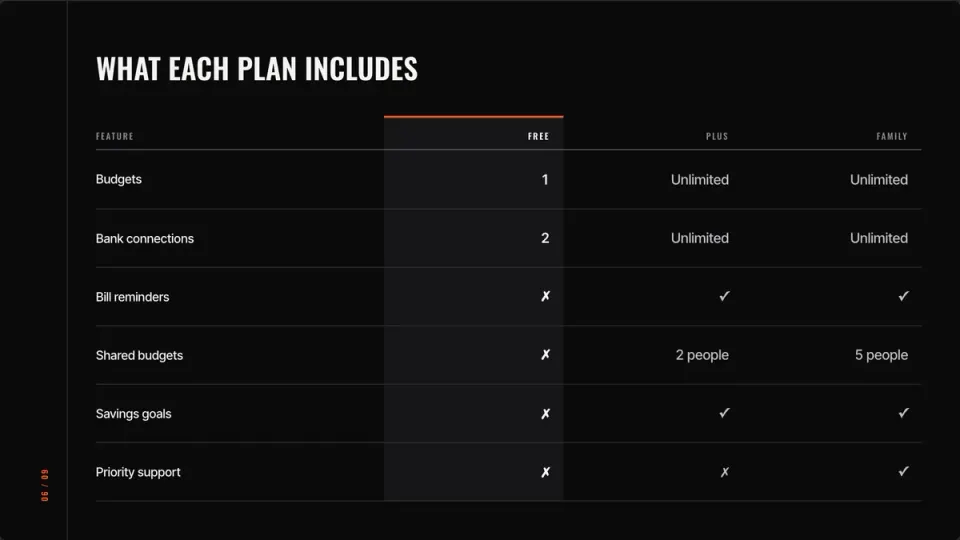
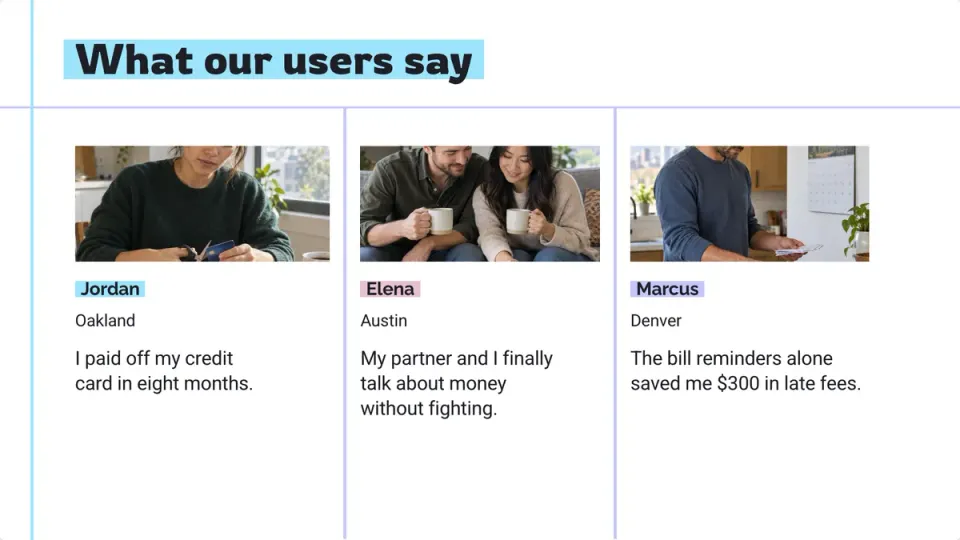
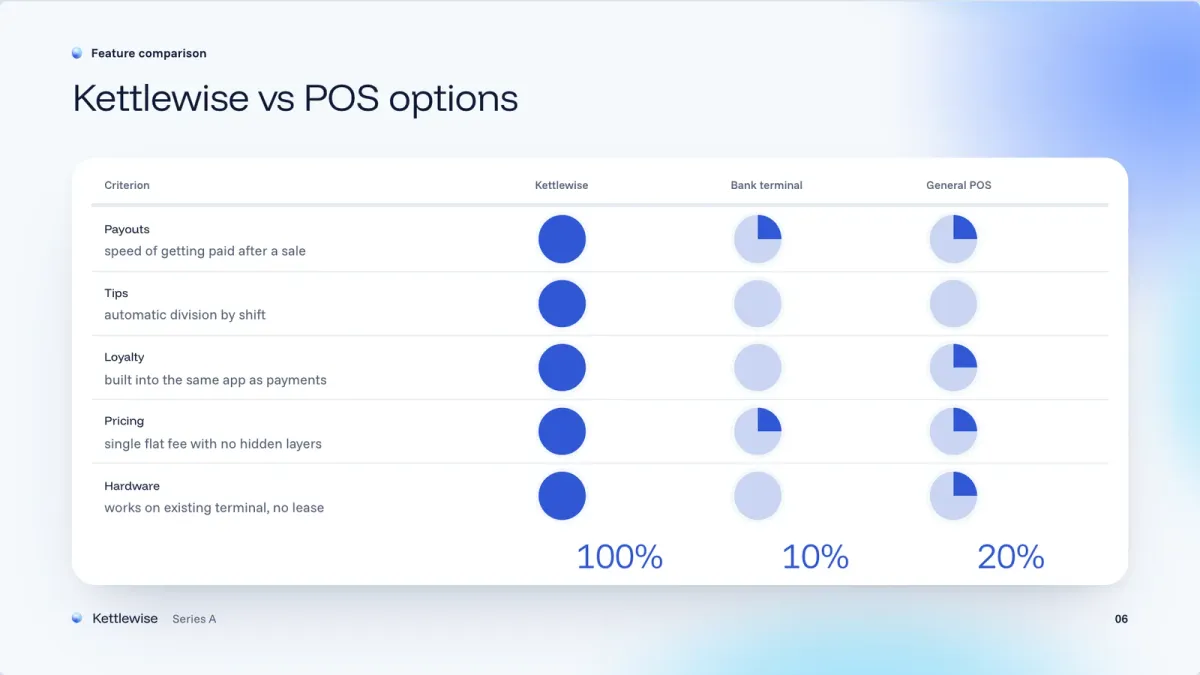
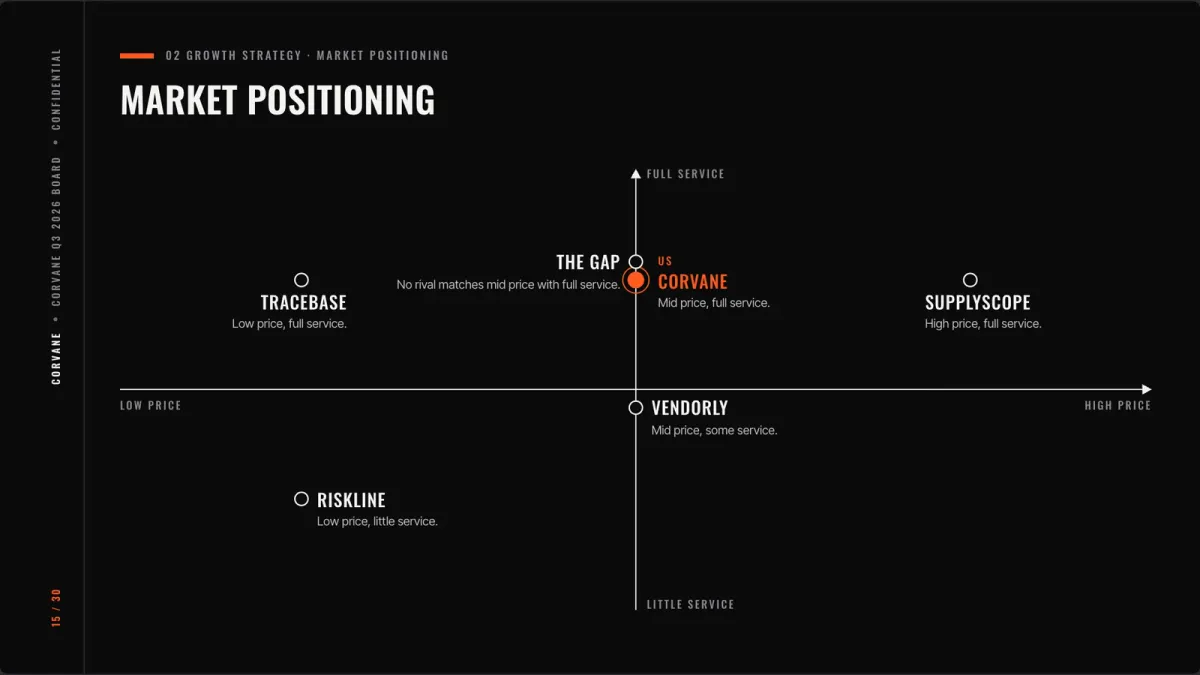
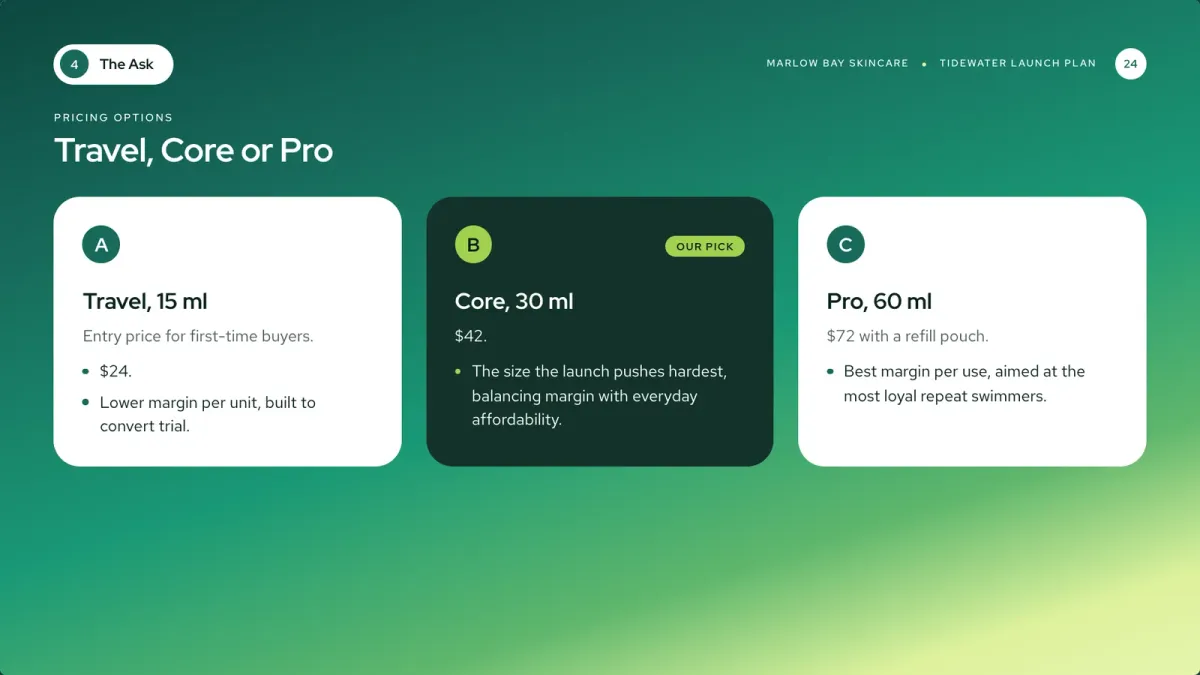
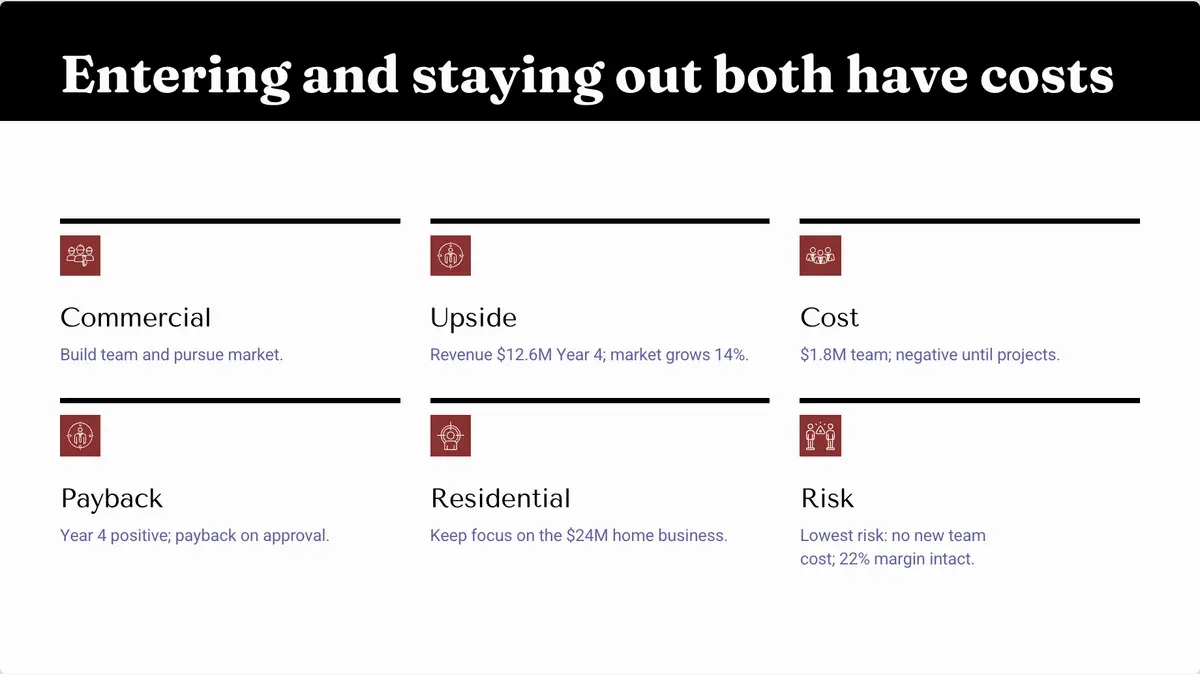
Comparison tables, before and after, case studies, pricing tiers and the ask: the slides a buyer looks for, written from your notes.
- Comparisons and Harvey balls
- Case studies with their figures
- Pricing tiers
Every account
One presentation for each account
Ask the assistant to rewrite for a new customer, shorten every slide, or add a slide on pricing. Every change shows before and after.
- By chat or by voice
- Before and after on every change
- Undo any change

Pipeline
Your pipeline, reviewed
Attach the pipeline as a CSV and get the quarter’s review: where deals stand, why they were won or lost, and where to focus next.
- Written from your numbers
- Wins and losses side by side
- A focus for next quarter
How it works
Three steps
- Step 1
Paste your notes
The account, the problem, your offer and its price.
- Step 2
Pick a look
Or wear your brand kit.
- Step 3
Send it
As a link, or as a PowerPoint or PDF on a paid plan.
Questions
Questions, answered
Can I make a proposal from my notes?
Yes. Paste your notes or attach the brief, and the proposal is written from them, your figures kept.
Can I add a priced table?
Yes. A table can sum its money column with the local tax and a total.
Can the buyer open it on a phone?
Yes. A shared link opens on any screen.
Can I tailor it for each account?
Yes. Ask the assistant to rewrite the slides for the next customer, by chat or by voice.
Make it easy for buyers to agree
Send one link that opens on the buyer’s phone. Ask, and it is rewritten for the next account.