
For education
Plan Monday’s lesson and keep Sunday free
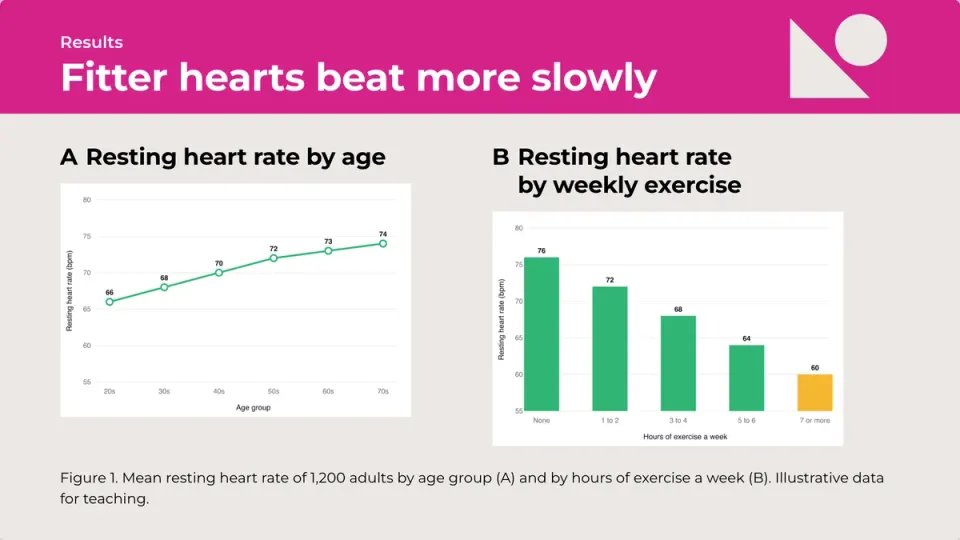
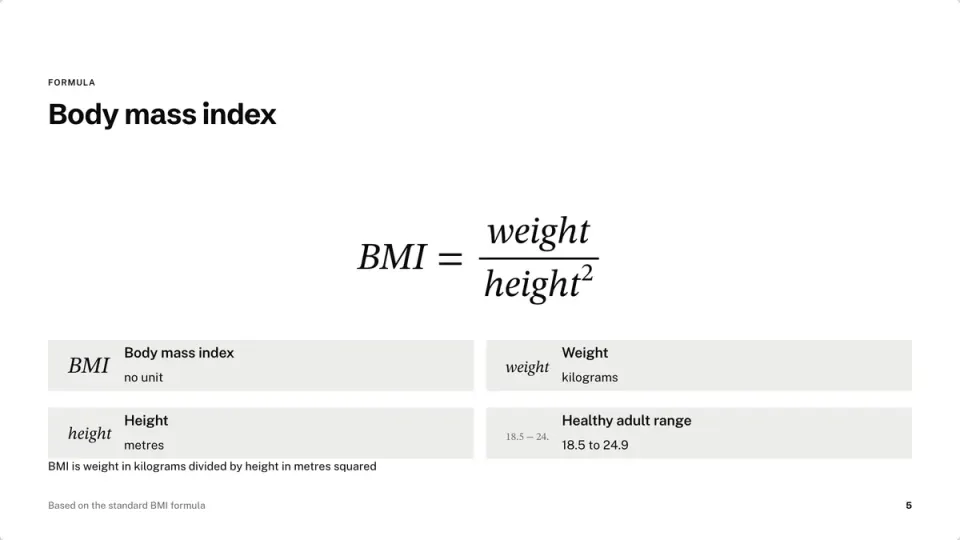
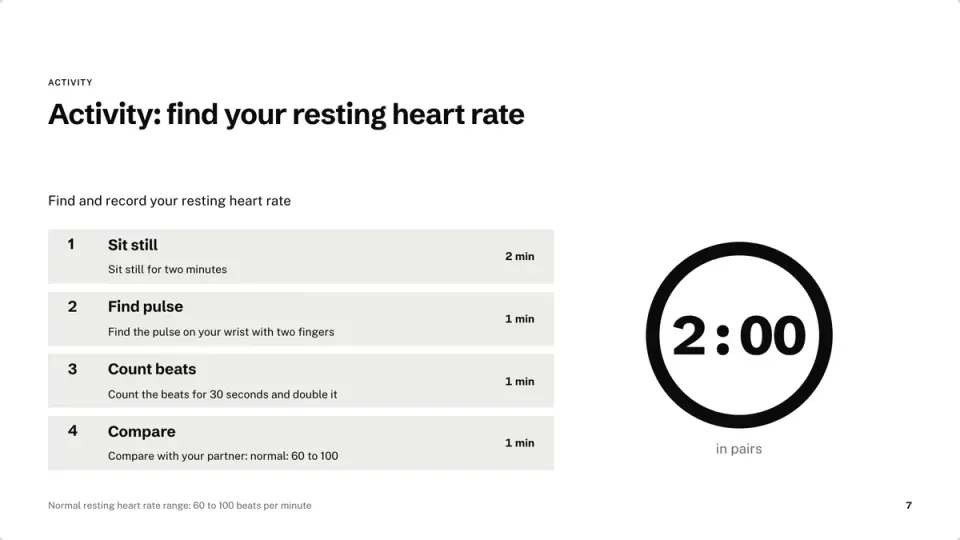
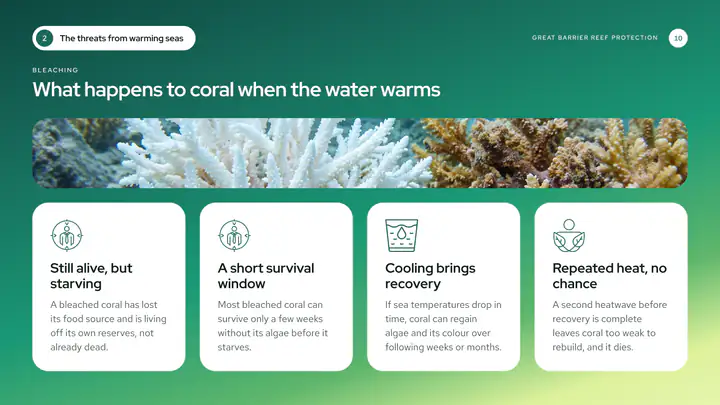
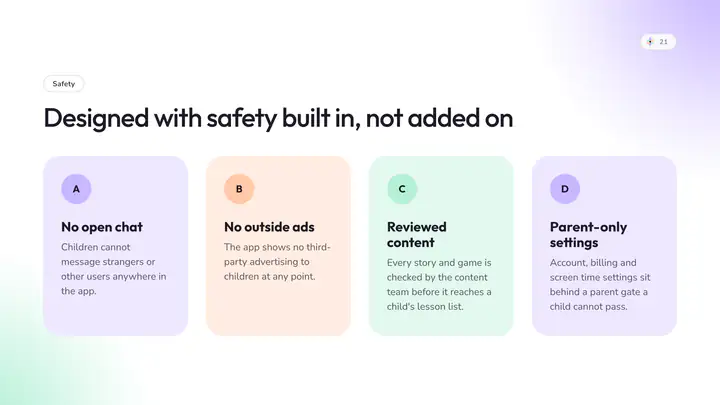
Infograpia makes AI presentations for teachers and students. Describe the lesson to get clear steps, diagrams and pictures.
For the class
Words pitched at the right level
Choose Kids or Students and the writing follows: short sentences for young pupils, a definition and an example for each idea for older ones.
- Kids, students or the general public
- One idea per slide
- Your notes kept
Pictures
Pictures for your class
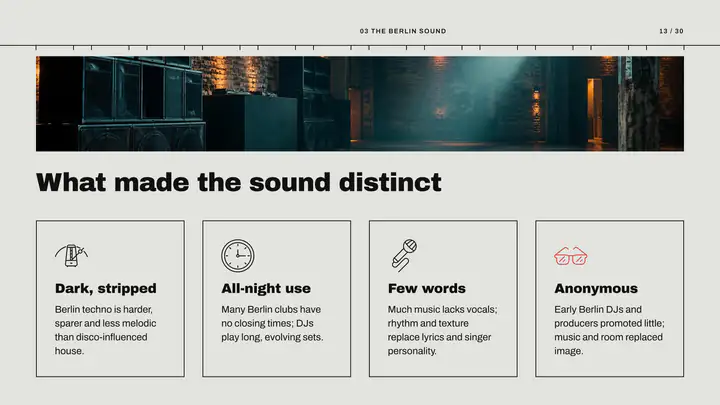
Cartoon for younger pupils, photographs for older ones: pick a style and every picture follows.
- Cartoon to photograph
- Or no pictures at all
- Upload your own
 Photograph
 Cinematic
 Studio
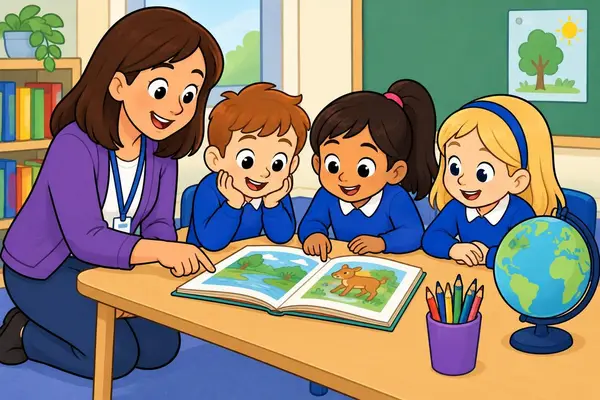 Cartoon
 Flat illustration
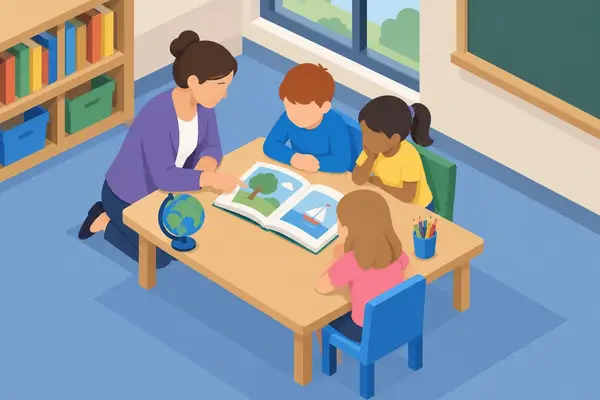 Isometric
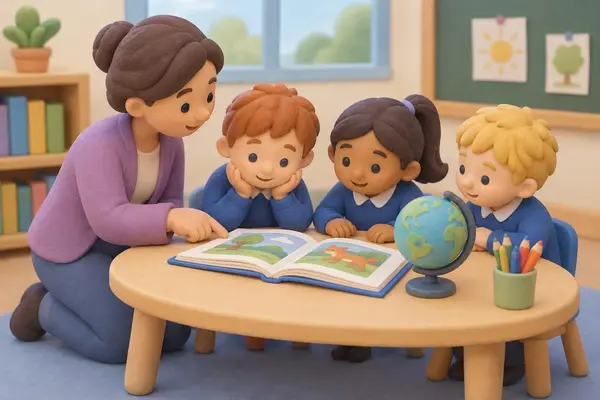 3D clay
 Watercolor
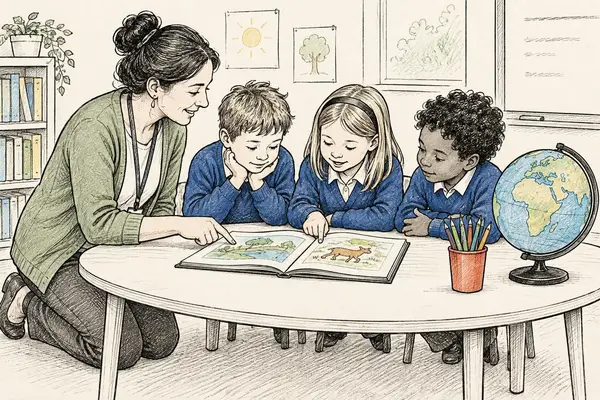 Line sketch
Diagrams
Diagrams that explain
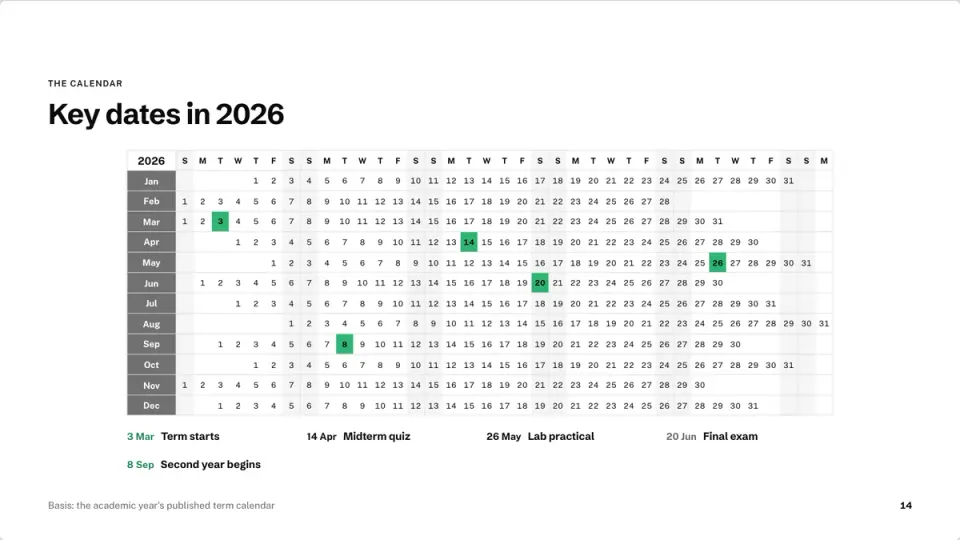
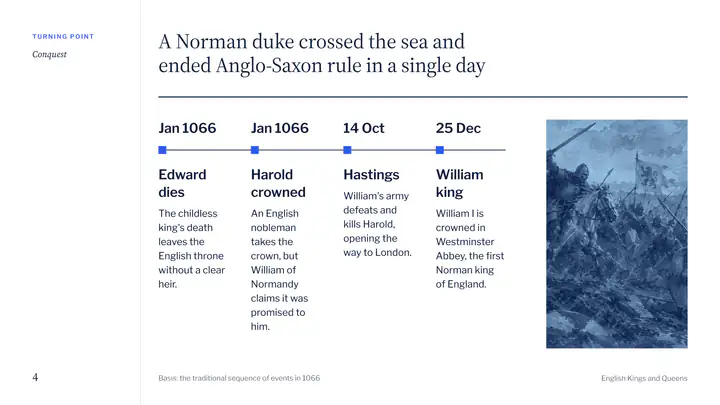
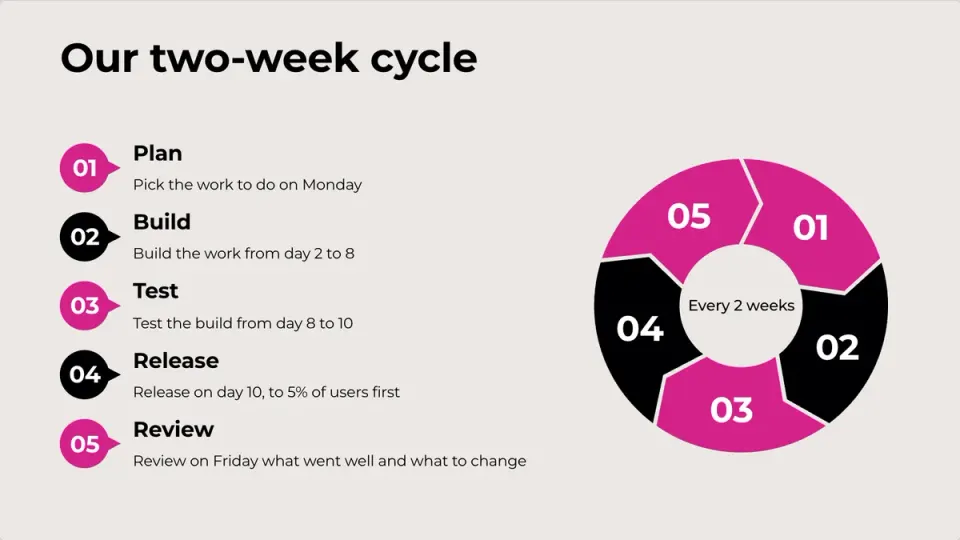
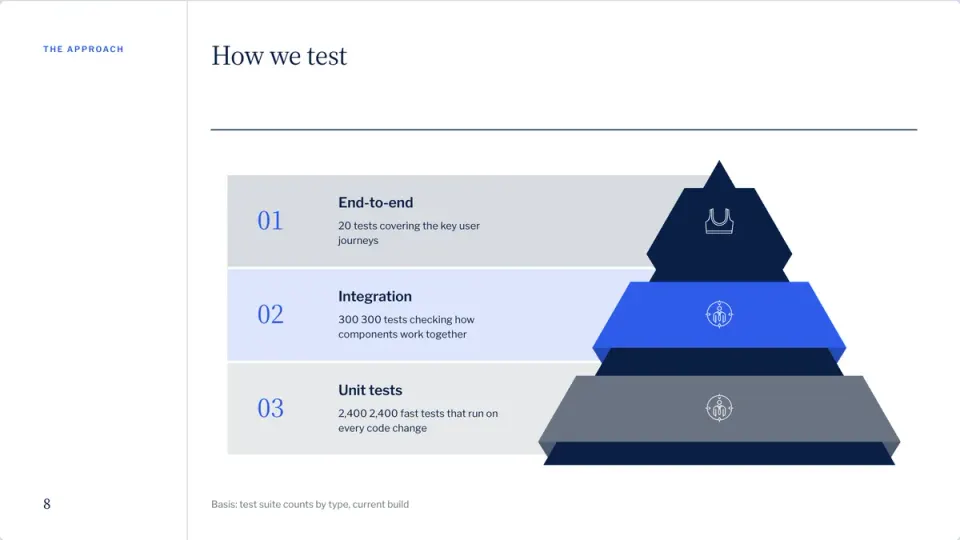
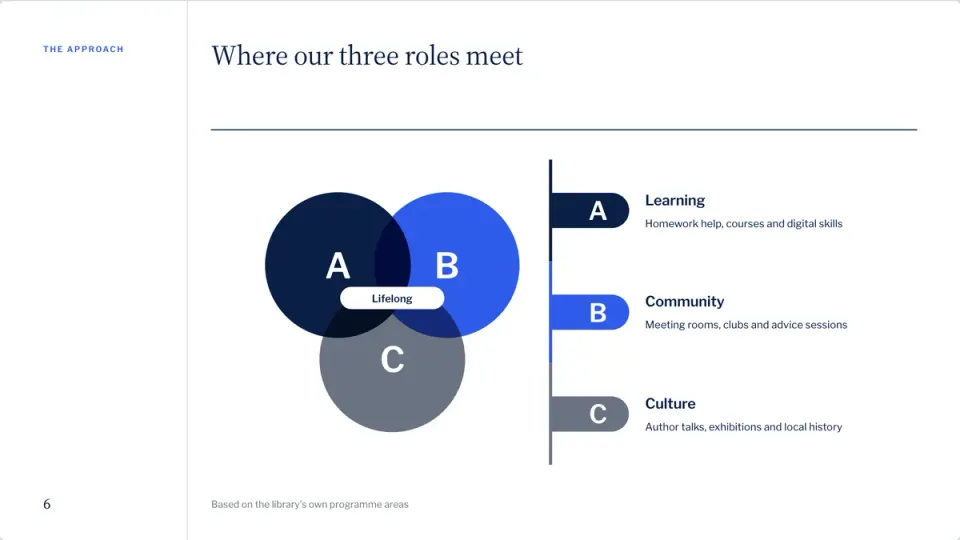
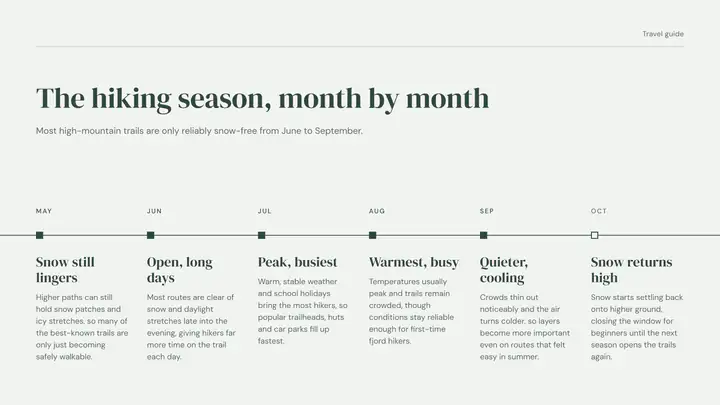
Cycles, timelines, Venn diagrams, steps and maps, drawn from your words and redrawn when you add a step.
- Timelines and cycles
- Maps from place names
- Words rewritten to fit
How it works
Three steps
- Step 1
Describe the lesson
The topic, the class, what they should learn.
- Step 2
Pick who it is for
Kids, students or the general public, and a picture style.
- Step 3
Teach from the browser
Press Present, or share the link with the class.
Questions
Questions, answered
Is there a free plan?
Yes. Your first presentation is free, up to 20 slides with pictures, to edit and present.
Can it make a lesson from my notes?
Yes. Paste your notes or attach a PDF or Word file, and the slides keep what you wrote.
Can students open it on their phones?
Yes. A shared link opens on any screen.
Can I present it in class?
Yes. Press Present for full screen, with your notes in the presenter view.
Give students slides they pay attention to
Pick Kids or Students and the words fit: short sentences for the young, examples for older ones.